
Peanut Square SAS Logo
Free ToolsPricingAbout UsContact
+91 94296 94521Schedule Demo
SASKnowledgeActivityReporting
Documentation
•Hub
Manage Activity
  • Activity History
  • Reporting
  • How to See Activities (All Activity / My Activity) or How to Add an Activity Tag
  • How to Assign Activity to a Dealer
Activity Dashboard
  • Activity Type
  • Cancelled Activities
  • Overdue Activities
  • Today's Activities
  • Completed Activities
  • Planned Activities
  • All Activities
  • How to See Activity Dashboard
ActivityActivity
Manage Activity
1 min read

Reporting

One of the best elements that enables us to comprehend the overall functioning of a module is the reporting tool. You can efficiently analyze the Email, Call, and Meeting, etc activities using the Reporting menu in the Activity module.
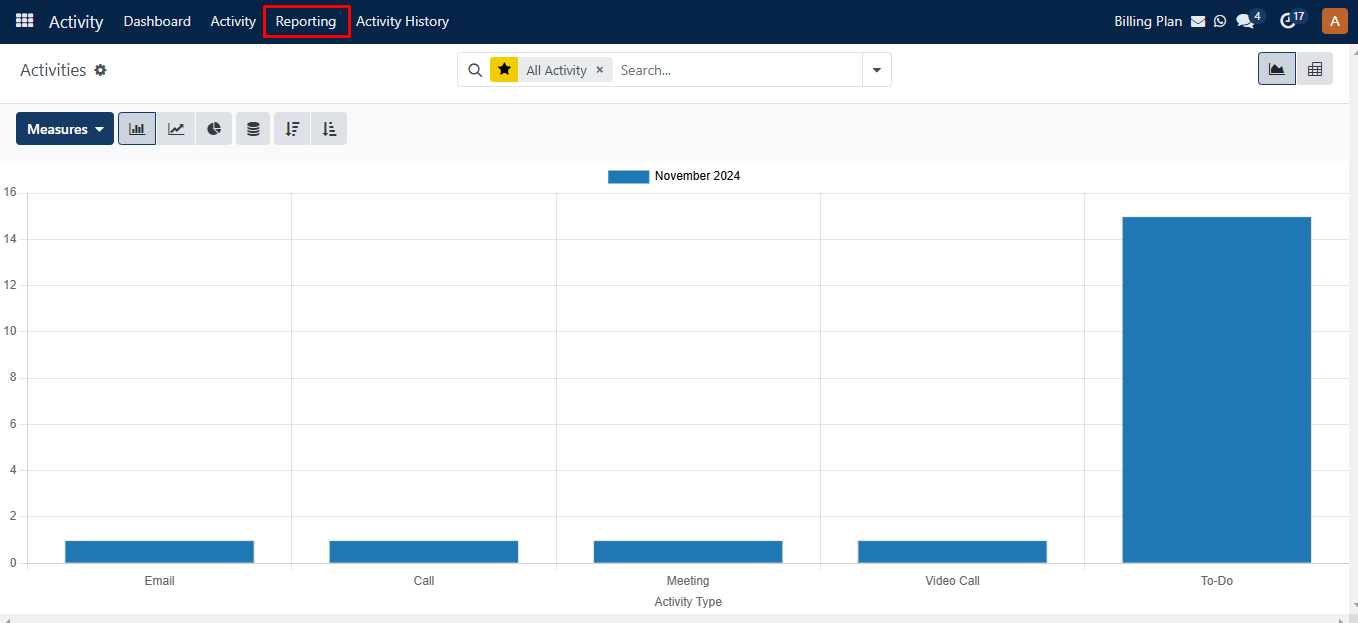
Reporting

You can see this platform in Graph, and Pivot formats. You can enhance the activities reports by utilizing the appropriate Measurements, Groups, and Filters.
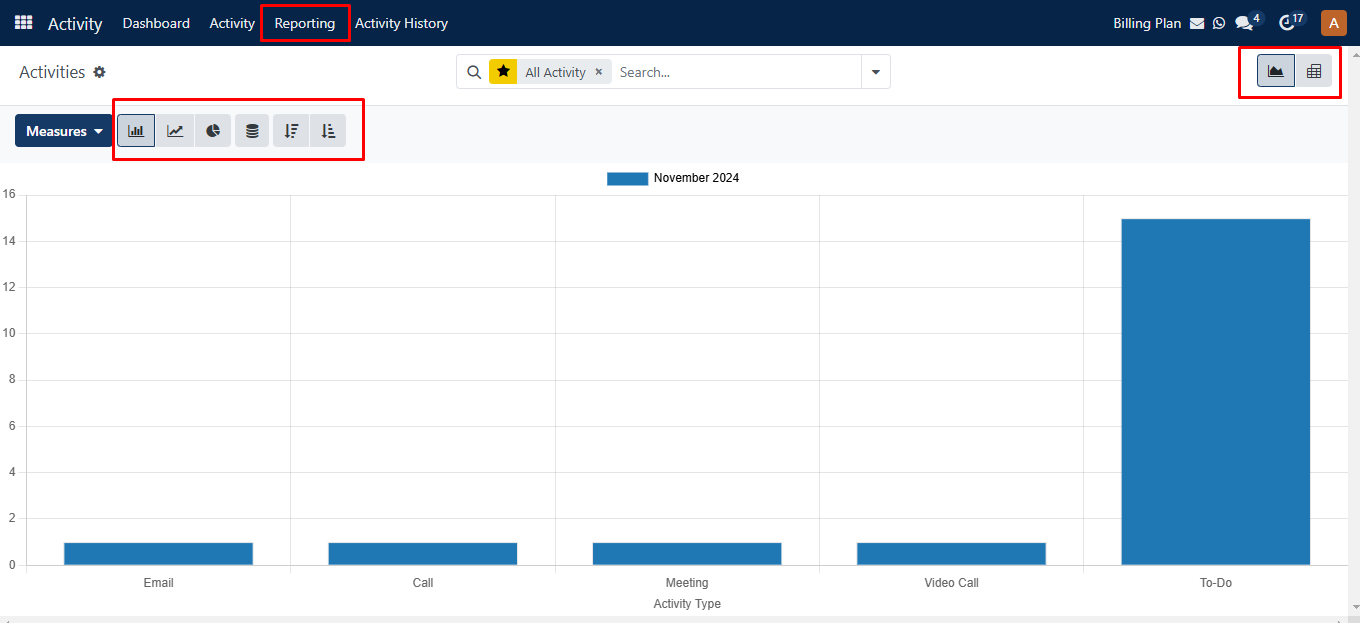
Reporting Graph

Was this guide helpful?
Your feedback helps us continuously improve our SAS playbooks.
Previous Article
Activity History
Next Article
How to See Activities (All Activity / My Activity) or How to Add an Activity Tag

Need help configuring your SAS modules?

Speak with a Peanut Square SAS solution architect to assist with custom onboarding and team trainings.

Schedule ConsultationKnowledge Hub
Peanut Square SAS Logo

Join us at Peanut Square LLP and watch your business soaring to new heights with our state-of-the-art technology based IT solutions.

Certified ISO 9001:2015 Company
Certified ISO 27001:2022 Company

Need Help ?

  • Apps
  • Industries
  • Resources
  • Free Tools
  • About Us
  • Contact
  • Privacy Policy
  • Terms and Conditions
  • Cancellation and Refund Policy

Partners

  • viaSocket

Contact Information

C-306 Signature-2, Nr. Sarkhej-Sanand Cross Road, Sarkhej, Ahmedabad, Gujarat-382210
sas.sales@peanutsquare.com

© 2026 Peanut Square LLP. All Rights Reserved.