
 Activity
Cancelled Activities
A Cancelled activity refers to a task that was planned or scheduled but later withdrawn or terminated before it was completed. Cancellation may occur due to changes in priorities, external circumstances, or the task no longer being necessary. These activities are marked as “Cancelled” within a system or workflow.
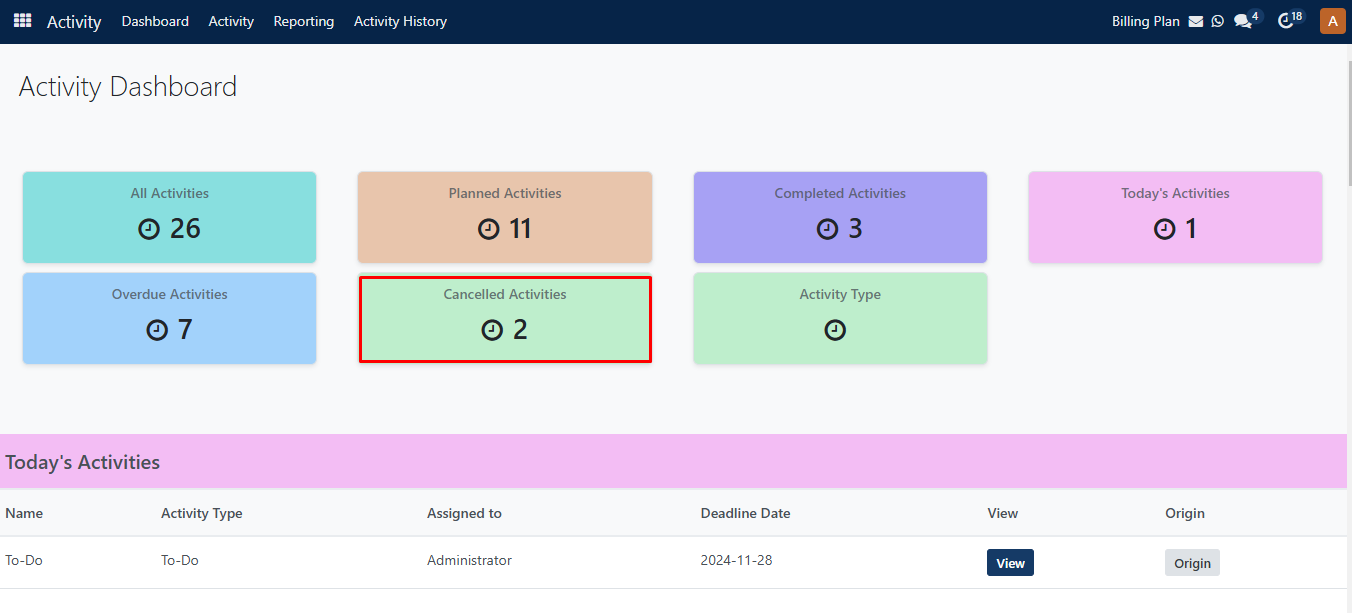
By clicking on the Cancelled Activities section, it redirects to the cancelled activity page.
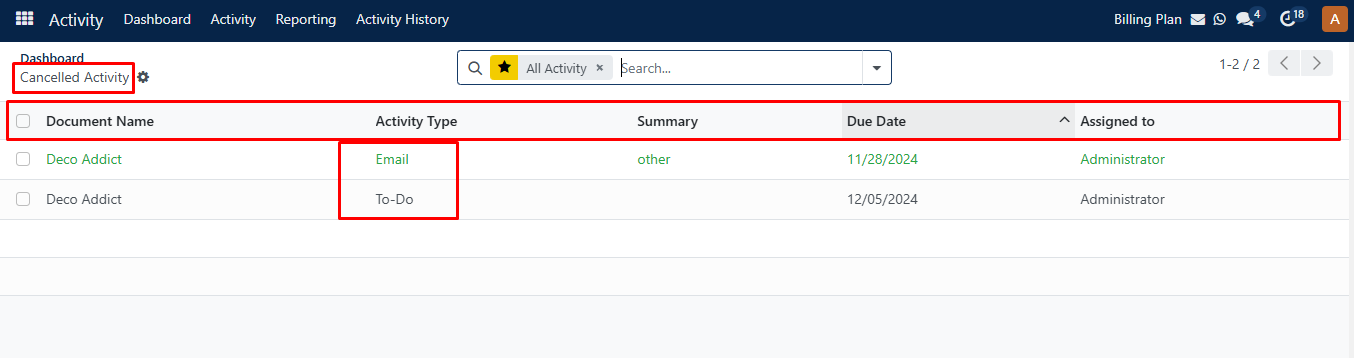
Here, you can see Document Name, Activity type, Summary, Due date, and Assigned to columns on the overdue activity page.
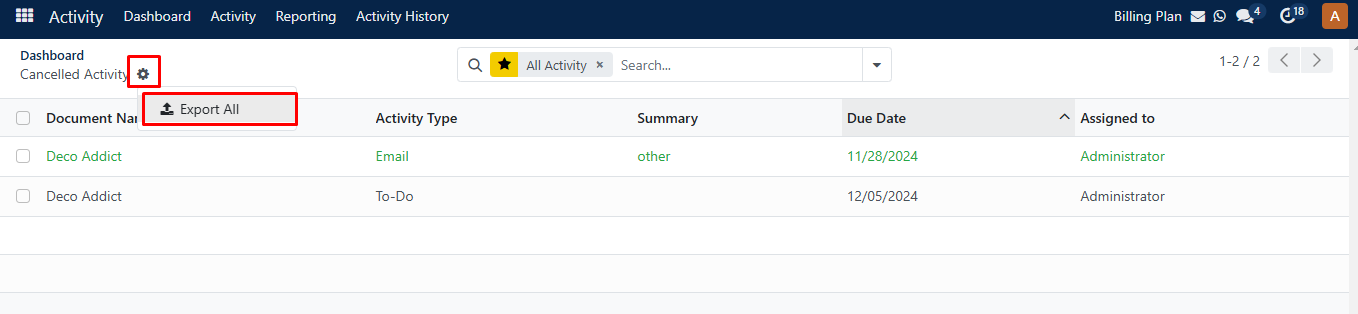
Clicking on the setting icon, you can see the Export All option where you can export your record file.
If you click on any activity, then it redirects to that particular details activity page as seen in the image below.
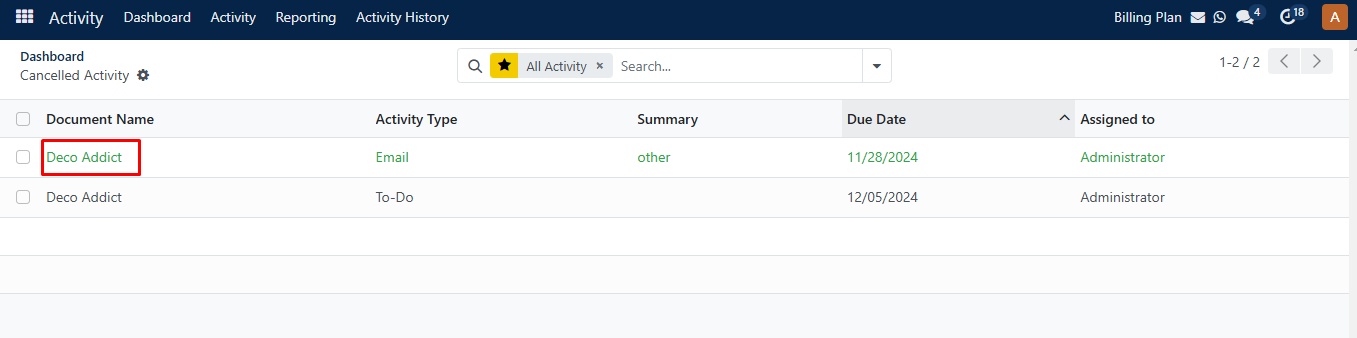
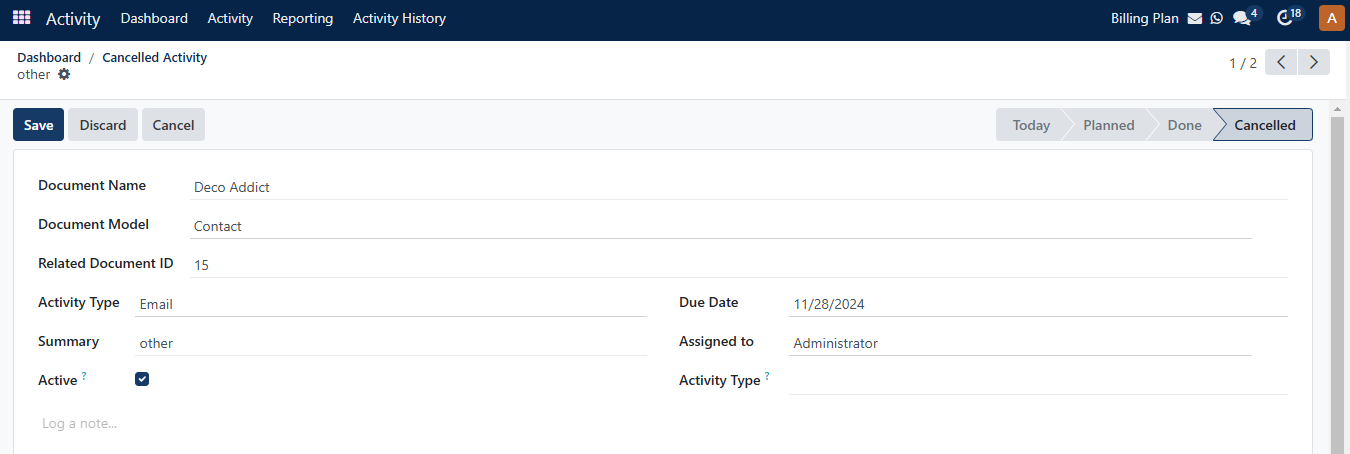
You can also update details or activity status on this page.