Short answer: Tile manufacturer and dealer software should put the dealer, the order, the design stock, the order status, the dispatch and the payment on one record that both sides read. The factory should see every dealer's open orders by design, size and grade. The dealer should hear whether an order is ready, half-ready or not ready, which truck took it and what is still due, without five phone calls.
This guide is part of a 30-day series for tile makers and dealers in Gujarat and Maharashtra. It covers where the loop breaks, what the software should hold, who sees what, and how Sales Automation Suite handles it.
Why do tile manufacturers and dealers lose track of the same order?
A factory in Morbi and a dealer in Pune or Ahmedabad talk about one order on many channels. The order comes on WhatsApp, the rate was agreed on a call, the stock answer comes from the godown, and the truck number arrives as a photo. Each side keeps its own copy.
This is where it slips:
The order is written twice. The dealer's WhatsApp message is retyped at the factory, and the design name or grade changes on the way.
"Ready" means different things. The factory says ready when the tiles are packed. The dealer hears ready to dispatch.
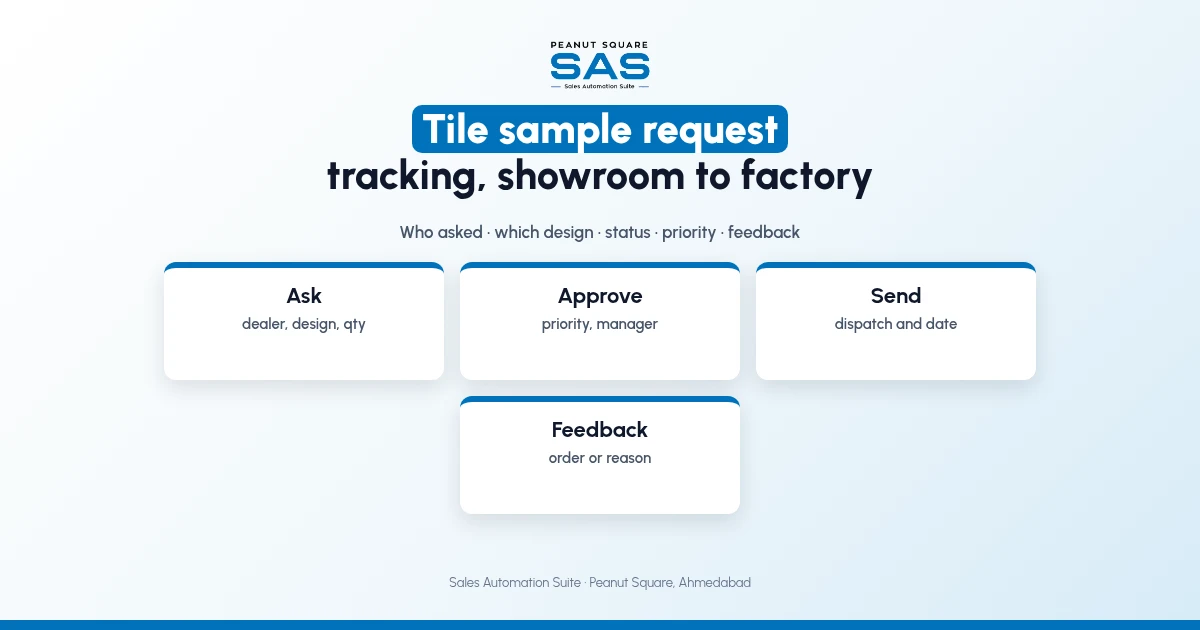
Part of the order is short. One size is in stock, the other is not, and nobody tells the dealer until the truck is loaded.
The truck is a phone call. The LR number sits with the transporter or in a notebook.
Payment follow-up starts late. Accounts chase dues without knowing what was delivered or complained about.
What does the manufacturer and dealer loop look like?
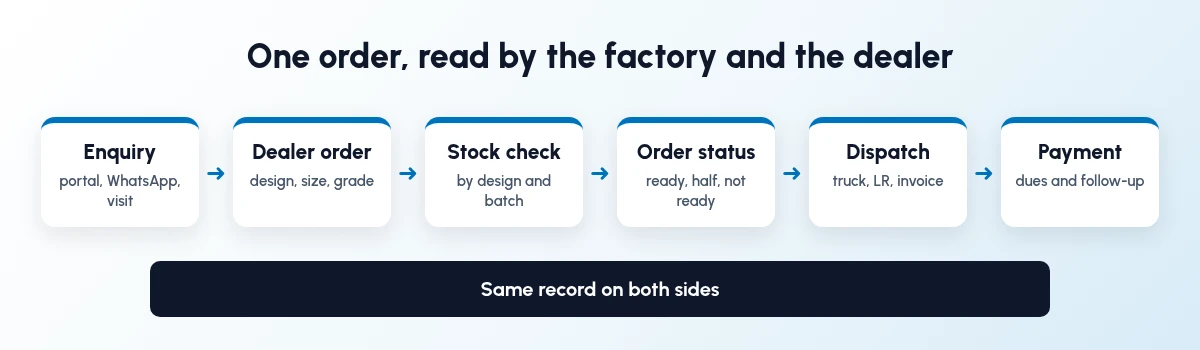
The loop a factory and a dealer share for every order.
Every order goes round the same loop. Enquiry, dealer order, stock check, order status, dispatch and payment. The software's job is to keep one record moving through it, so the dealer and the factory never compare two versions.
What should tile manufacturer and dealer software hold?
Seven records, joined to each other:
Dealer master: one record per dealer with area, city, stage, type of dealer and the salesperson who owns it.
Design master: one code per design and size, with finish, grade and pieces per box.
Price lists: dealer, project and retail rates, with validity dates.
Orders: every dealer order as a sales order, whether it came by WhatsApp, a visit or a portal.
Stock by design and batch: what is in the godown, by shade or batch, and what is already booked.
Order status and dispatch: ready, half-ready or not ready, then truck, LR number and invoice.
Payments and complaints: dues, follow-ups, breakage and shade complaints, against the same dealer.
What should each side see?
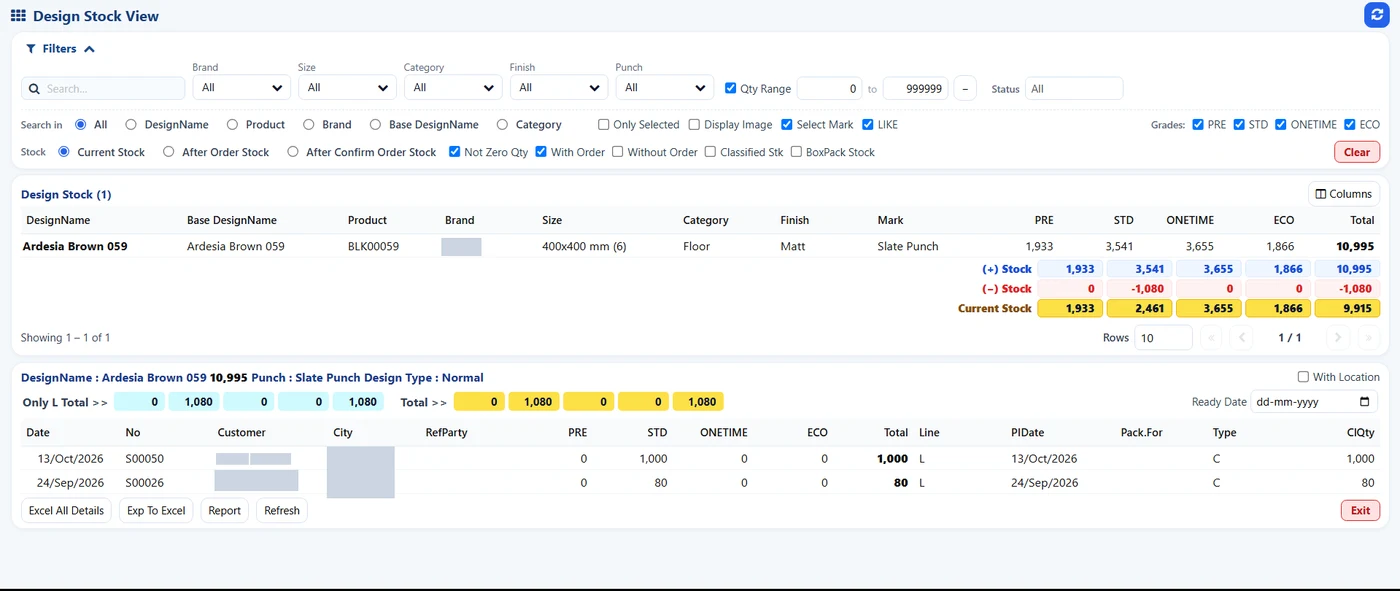
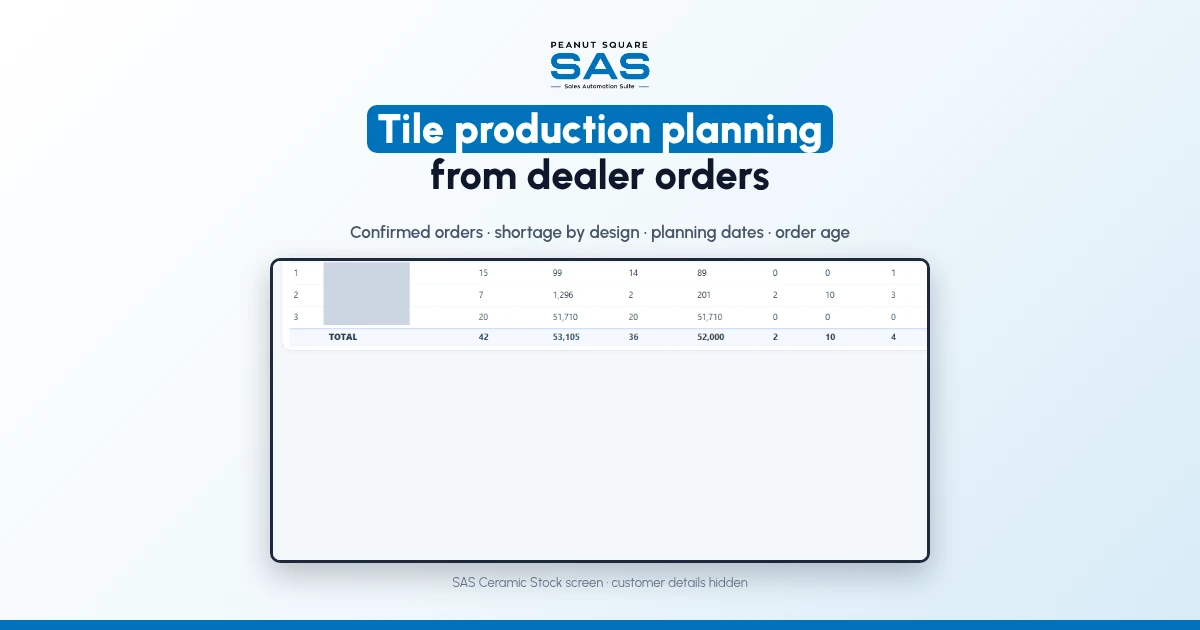
SAS Design Stock View: stock for one design and the orders booked against it. Customer names and cities hidden.
Sharing a system does not mean everyone edits everything.
Factory sales team: sees each dealer's open orders, stock by design, order status; owns quotations, orders, dealer follow-up.
Plant and godown: sees confirmed orders by design, size and grade, and what is short; owns stock entries, batches, packing.
Dispatch: sees orders due and which batch to load; owns truck, LR number, transporter.
Accounts: sees deliveries to bill and dues by dealer; owns invoices, payments, credit terms.
Dealer: sees their own orders, status and dispatch details; owns their orders and payments.
Ask any vendor how a dealer gets their own order status: a login, a WhatsApp message, or a report sent by the factory.
How do you set it up in order?
Go in the order the work flows. Each step helps on its own.
Step 1: Clean the dealer list
Merge duplicate dealers, give each one an area and a salesperson, and mark their stage, from new enquiry to active dealer. The tile dealer onboarding guide for Morbi walks through those stages.
Step 2: Fix the design master
One code per design, size, finish and grade. Two names for one tile lead to wrong dispatches. The tile dealer stock management guide covers this for dealers, and ceramic stock management for tile factories covers it for the plant.
Step 3: Enter every dealer order as a sales order
WhatsApp, visit or portal, the order goes in once. The dealer order and scheme tracking guide covers price lists and schemes.
Step 4: Give every order a status
Agree with your dealers what ready, half-ready and not ready mean, and show it on the order.
Step 5: Record the truck and LR on dispatch
The dealer should get the LR number from the same record that holds the order.
Step 6: Follow up payments against deliveries
Chase what was delivered, not what was ordered, and keep complaints on the same dealer record.
How does Sales Automation Suite keep manufacturers and dealers in the loop?
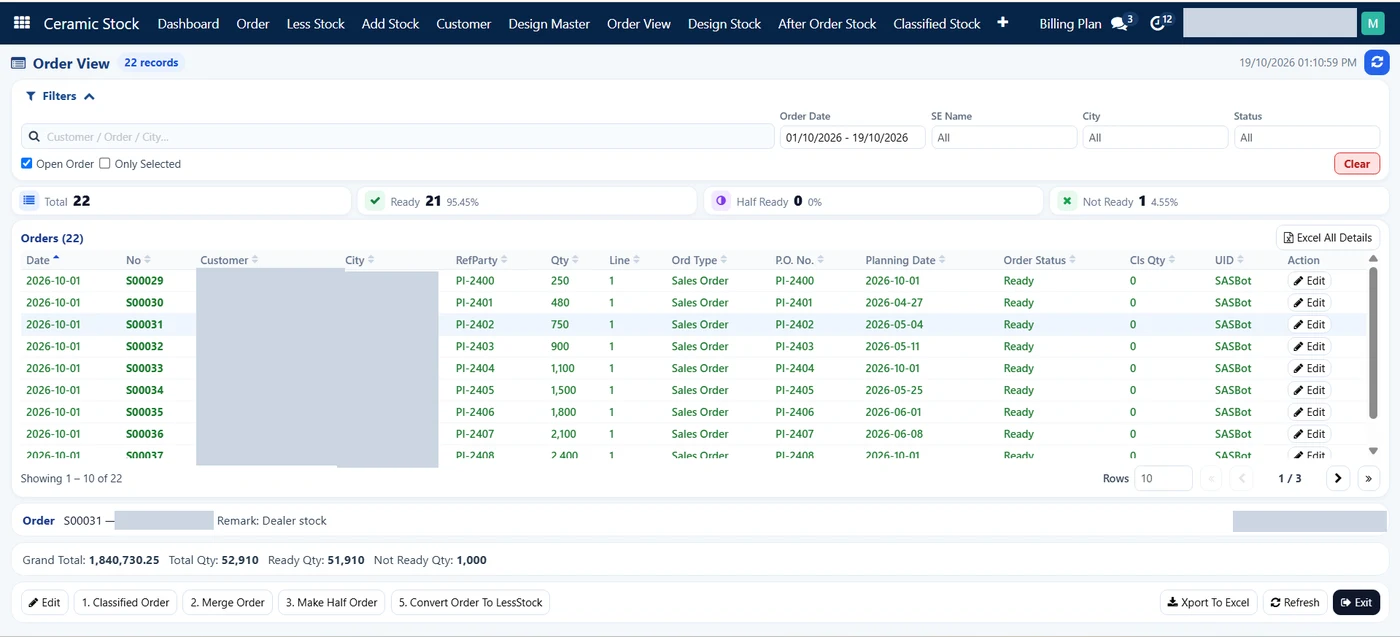
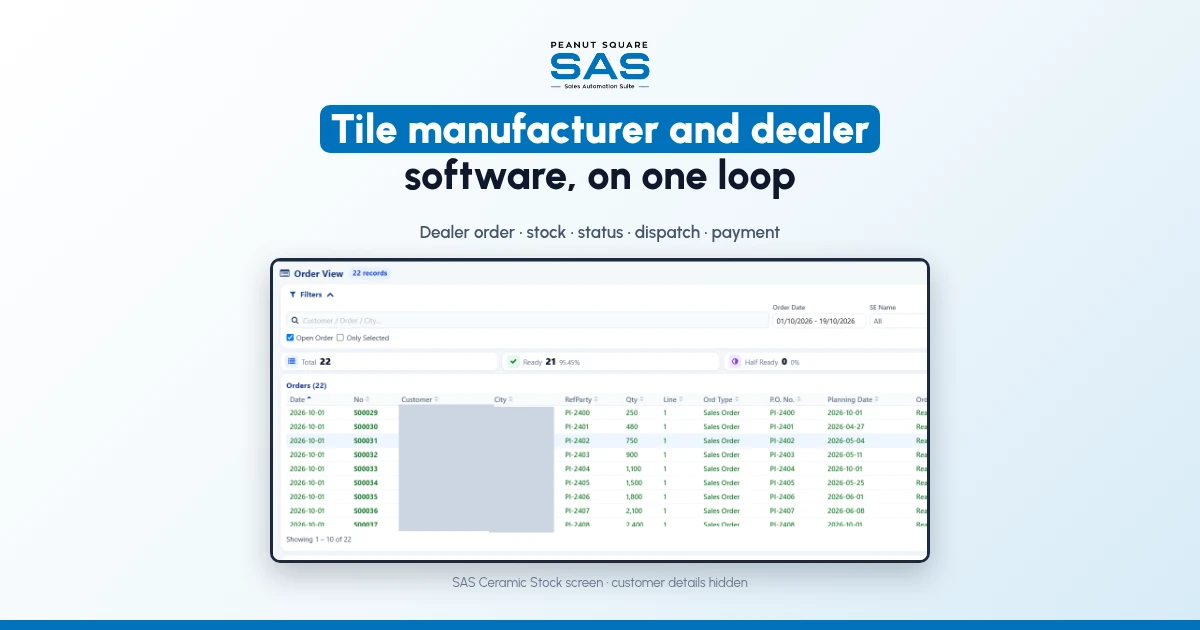
SAS Order View: open orders with ready, half ready and not ready counts. Customer names and cities hidden.
Sales Automation Suite (SAS) from Peanut Square is one ERP and CRM built for how India sells. It is meant for Indian B2B sellers who outgrow a CRM-only stack: India lead portals and WhatsApp are on the pricing page, the price is in rupees, and it runs on Cloud or On-Premise.
The SAS page for tile manufacturers and traders lists the modules tile businesses use:
SAS Ceramic Stock Management for a design master and stock per design.
SAS Dealers: one master for dealers and customers with area, city, stage and salesperson assignment, and a dealer dashboard.
SAS Geo Location, which shows dealer locations on a map.
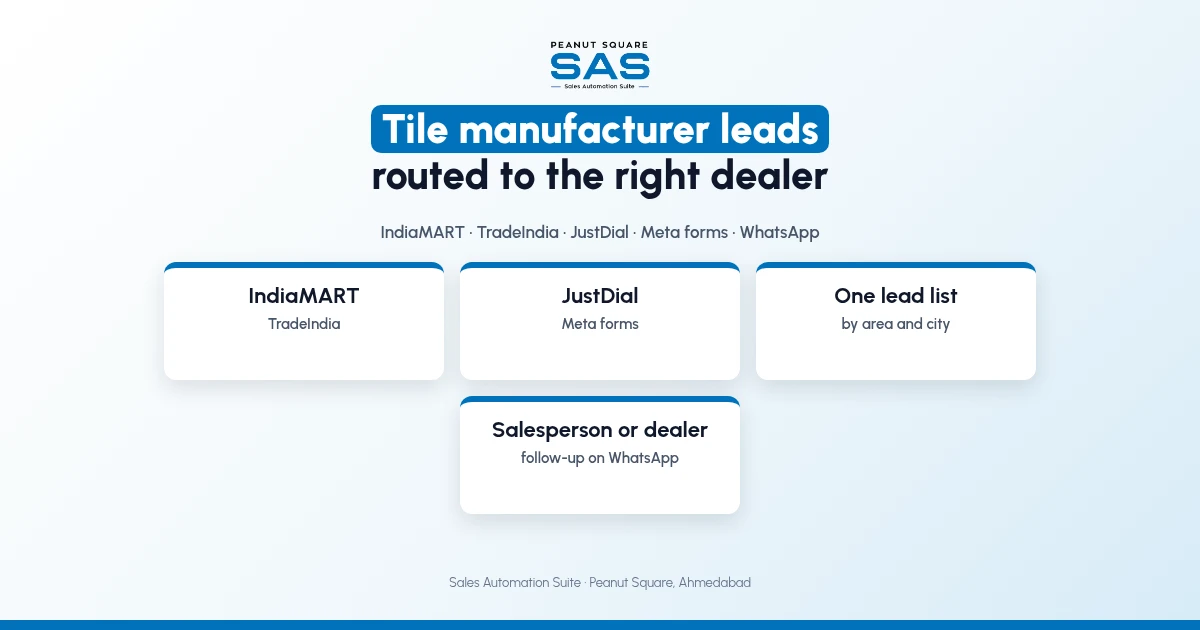
SAS CRM Integration for IndiaMART and TradeIndia leads, plus JustDial and Meta lead ads.
SAS WhatsApp Index: a WhatsApp inbox with templates and salesperson assignment.
Product Carton Management for cartons and pieces.
SAS Delivery LR Transport, which records the LR number and transport name on delivery orders.
In the SAS Ceramic Stock screens shared by Nishant Patel on 19 Oct 2026 (customer details hidden), the Order View lists open orders with city, quantity, planning date and order status, and counts how many are ready, half ready or not ready. The Design Stock View shows stock for one design by grade, with the orders booked against it. The SAS Morbi page sets out the same order of work: an enquiry lands as a lead, a salesperson replies from the shared WhatsApp inbox, checks design stock before quoting a date, and the delivery order records the LR number.
The SAS Morbi page names Renite Vitrified, a vitrified tile maker in Morbi, as a customer using SAS CRM and automation alongside its other tools. For Morbi factories, the ERP and CRM guide for Morbi tile factories covers the plant side.
On price: ₹300/user/month on Premium (40% off ₹500, GST extra, billed yearly).
SAS is built by Peanut Square in Ahmedabad, Gujarat. The SAS tile industry page lists ISO 9001:2015 and ISO 27001:2022.
To see it with your own process: Book a free demo at sas.peanutsquare.com
What should tile manufacturer and dealer software hold?
A dealer master, a design master, price lists, every dealer order as a sales order, stock by design and batch, order status with dispatch details, and payments and complaints against the same dealer.
Can a tile dealer see order status from the factory's system?
It depends on the software. Ask the vendor to show how a dealer gets status: a dealer login, a WhatsApp message from the order, or a report the factory sends. In the SAS Ceramic Stock screens, the Order View marks each open order ready, half ready or not ready.
Should dealers and the factory use the same order number?
Yes. Use the factory's sales order number on every message, dispatch and invoice, and record the dealer's own reference on the order.
Does SAS work for both tile manufacturers and dealers?
The SAS tile industry page says traders use the same modules as makers: design-wise stock, dealers and customers, stock in cartons and LR dispatch.
Which tile businesses use SAS?
The SAS Morbi page names Renite Vitrified, a vitrified tile maker in Morbi, as a customer using SAS CRM and automation.