Short answer: To move from Tally and Excel to ERP without disrupting billing, don't switch everything on one day. Decide what moves now and what stays in Tally for the time being. Clean your customer, item and GST masters first. Load opening balances and stock as on one cut-off date. Move leads and quotations first, because they don't touch your books. Then run one billing cycle in both systems, with only one issuing the buyer's invoice. Switch once the totals match.
This guide covers why the move feels risky, what to move first, a seven-step plan, what changes after the switch, and how Sales Automation Suite handles it.
Why does moving off Tally and Excel feel risky?
Because billing can't stop. GST is filed from it, buyers pay against it and your CA needs it at year end. Tally often does that job well, and nobody wants to touch a working ledger.
The pressure usually comes from the work around billing:
Leads and follow-ups live in Excel. Each salesperson keeps a private sheet.
Quotes are made in Excel or Word. Accounts retypes the confirmed quote as an invoice, and the rate changes on the way.
Stock is a separate sheet. Sales promises goods that stores has already given to someone else.
Nobody knows which file is current. Three copies of the price list sit on three laptops.
Our post on managing sales in Excel sheets covers the sales side. This post is about the bigger move: taking sales, stock and billing into one ERP and CRM without missing invoices.
What should move from Tally and Excel first, and what can wait?
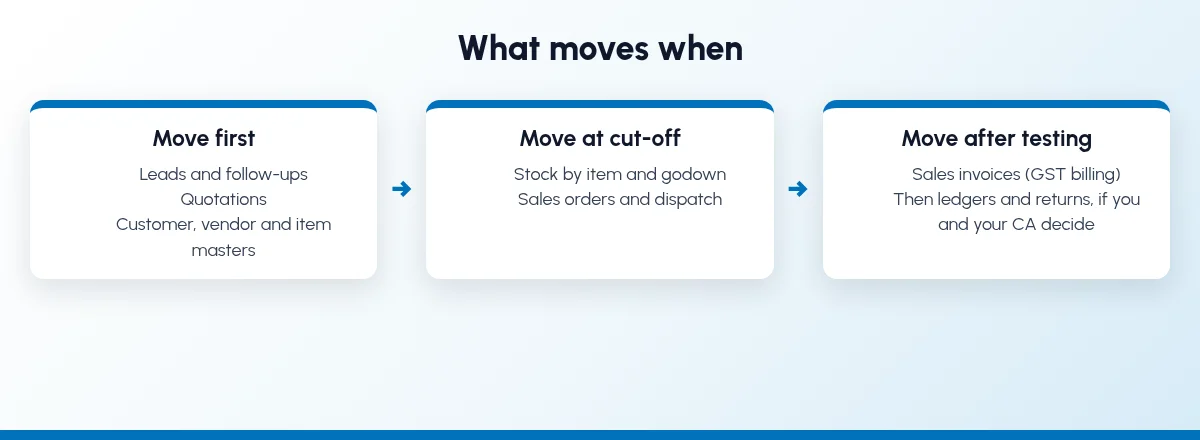
Move in the order that carries the least risk to your books. Work that doesn't post to accounts moves early. Billing moves after it has been tested. Ledgers and GST returns can stay in Tally until you and your CA decide otherwise.
WorkWhere it often lives todayWhen to move itLeads, follow-ups and the sales pipelineExcel sheets, WhatsApp, diariesFirst. Nothing here posts to your books.QuotationsExcel or Word templatesFirst, once item and customer masters are clean.Customer, vendor and item mastersTally plus several Excel listsBefore anything else goes live.Stock by item and godownTally, or a stores sheetAt the cut-off date, from a physical count.Sales orders and dispatchPhone, WhatsApp, a registerWith stock, so orders can reserve what is on hand.Sales invoices (GST billing)TallyAfter one billing cycle in parallel.Ledgers, GST returns and year-end booksTally, with your CALast, or not at all. Decide this with your CA.
Keeping accounts in Tally for a while is a normal choice. Just be clear which system is the record for each job.
How do I move from Tally and Excel to ERP without disrupting billing?
Follow these steps in order. You can pause between any two.
Step 1: Write down what moves and what stays
Fill in the table above for your business. For each job, name the system of record before and after the cut-off, and share it with your accountant and CA. If accounts stay in Tally, decide how invoices from the new system reach your books, and who checks that every month.
Step 2: Clean your masters before you import anything
Mistakes in the masters turn up later as wrong invoices. Export your lists from Tally and Excel into one sheet per master and fix them there:
Customers: one record each, duplicates merged. Check GSTIN, state, addresses, payment terms and salesperson. Look up doubtful GSTINs on the GST portal.
Vendors: the same checks.
Items: one code, name and unit per item, with the HSN code and GST rate your accountant confirms. Retire items you no longer sell.
Price lists: one current rate per item and customer group.
CBIC's invoice rules list GSTINs and the HSN code among the particulars a tax invoice must carry, so get them right before the first invoice.
Step 3: Pick a cut-off date and load opening figures
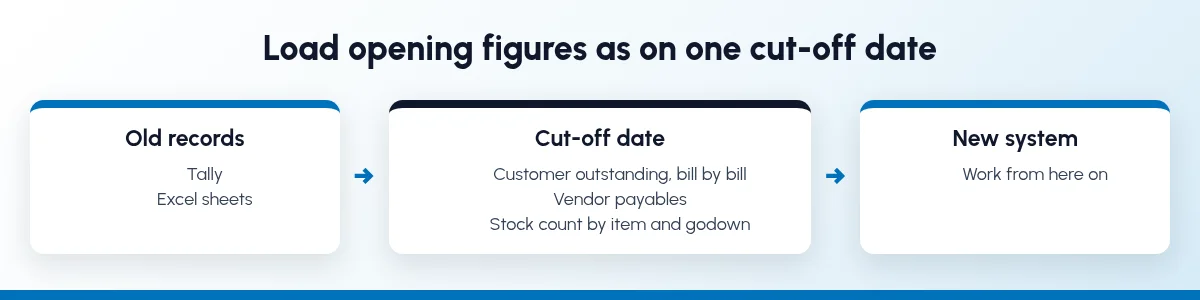
Choose a date that suits your books, such as the first day of a month or quarter. As on that date, load:
Customer outstanding, bill by bill, so you can still collect against each one.
Vendor payables, the same way.
Stock by item and godown, from a physical count.
Ledger balances, if accounts are moving too, signed off by your CA.
If opening stock is wrong, every quote built on it is wrong too. See inventory and sales integration for why.
Step 4: Move leads, follow-ups and quotations first
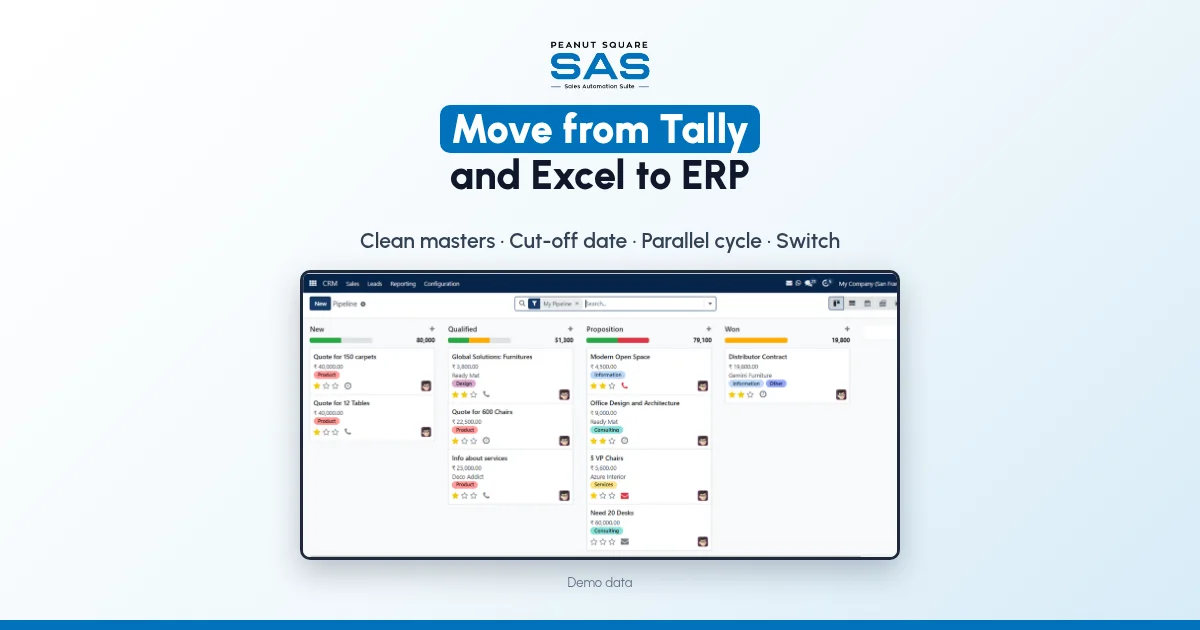
This is the low-risk part. Bring every open lead from sheets and portals into one pipeline with a named owner; see IndiaMART CRM integration and sales pipeline stages. Then stop making quotes in Excel. Build them from the clean masters, so the rate on the quote is the rate on the price list.
Step 5: Run one billing cycle in parallel
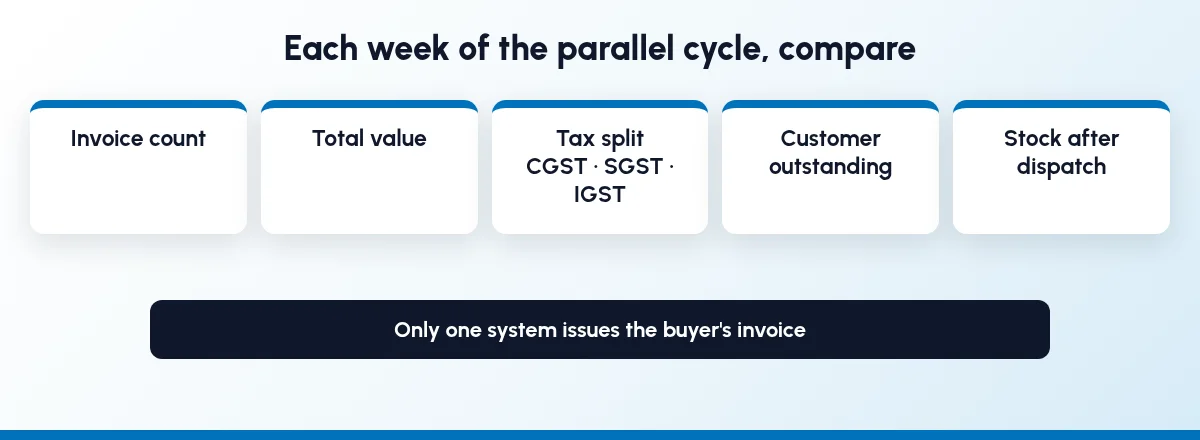
For one billing cycle, keep raising GST invoices where you raise them today. Enter the same sales in the new system, without sending those invoices to buyers, and compare each week:
invoice count and total value
tax amounts, including the CGST, SGST and IGST split
customer outstanding
stock after each dispatch
Two invoices for one sale is the mistake a parallel run must not cause. Fix each difference at its source, usually a master record.
Step 6: Switch billing on the agreed date
When a full cycle matches, move billing on the agreed date. CBIC's invoice rules ask for a consecutive serial number, in one or more series, unique for a financial year. Agree with your CA whether to continue your current series or start a new one, and stop the old series so nobody bills from it by habit.
Step 7: Train each role on its own job, then retire the sheets
Train people on the screens they'll use. Sales needs leads, quotes and follow-ups. Stores needs receipts, dispatch and counts. Accounts needs invoices and payments. Then make the old Excel files read-only. If a sheet stays editable, someone will keep updating it.
What changes after you move from Tally and Excel to an ERP?
We won't put a percentage on it, because it depends on how much retyping you do today. Check these yourself in the first month:
A confirmed quotation becomes a sales order and then an invoice, without being typed again.
Every lead has an owner and a next follow-up date that the owner can see.
Sales sees stock before promising a date, instead of calling the godown.
Accounts can see which orders are dispatched and not yet invoiced.
When a salesperson leaves, their leads and quotes stay in the system.
If you manufacture to order, the same records feed purchase and production; see ERP vs CRM for manufacturers and how SAS fits manufacturing businesses. Still unsure you need more than a CRM? Read the signs you've outgrown a CRM-only tool.
How does Sales Automation Suite handle the move?
Sales Automation Suite (SAS) from Peanut Square is one ERP and CRM built for how India sells. It is meant for India B2B sellers who outgrow a CRM-only stack and want one INR-priced ERP+CRM with India lead portals and WhatsApp on the pricing page, on Cloud or On-Premise.
The SAS home page (checked 18 Oct 2026) describes a process audit, then configuration and migration of "legacy customer, catalog, and transaction records", then training and go-live. Its FAQ says the team provides data migration "from legacy ERPs, CRM databases, or spreadsheets", and that a standard cloud implementation can take 1 to 2 weeks, while custom on-premise deployments may take 4 to 8 weeks. The page also shows ISO 9001:2015 and ISO 27001:2022 certification.
According to the SAS pricing page (checked 18 Oct 2026), one plan includes:
CRM and sales: Lead Import, Funnel, Assignment, Follow-ups, Quotations, Sales Orders and Billing.
Operations: Inventory, Multiple Stores, Purchase Orders, GRN and Stock Reconciliation.
Accounting: Balance Sheet, P&L, Trial Balance, Vouchers, Ledger Import and Sales Billing.
Integrations: IndiaMART, TradeIndia, JustDial, Meta forms, Free WhatsApp Automation and Excel export.
The SAS knowledge base (checked 18 Oct 2026) covers the steps this plan uses:
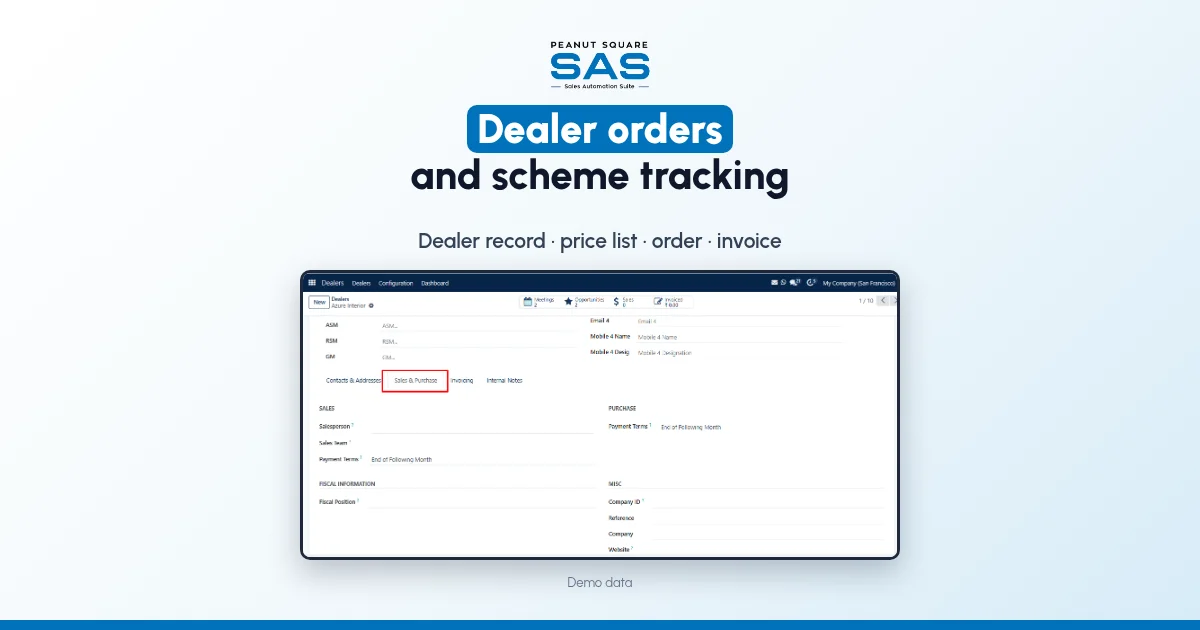
Customer master. A customer record holds addresses, salesperson, price list, payment terms and a fiscal position for taxes (customer records).
Item master. A product carries its unit of measure, sales price, customer taxes, internal reference and invoicing policy (product setup).
Stock counts. Inventory Adjustments compares counted quantity with on-hand quantity and applies the difference (inventory adjustments).
Leads to quotes. Leads can be routed by rules (rule-based assignment), and a quotation can be started from an opportunity in the Proposition stage (quotation in CRM).
Order to invoice. A confirmed sales order gets a Create Invoice button, and payment is registered against the confirmed invoice (invoice from the sales module).
The pages we checked don't say whether SAS imports directly from Tally. The knowledge base pages we checked don't cover Tally import, what "Ledger Import" includes, self-service CSV or Excel import, the invoice print layout or series, or GST e-invoices and e-way bills. When you compare any ERP, ask it to show each of these with your own data. Ask the SAS team to run your masters and a sample month through this plan before you fix a cut-off date.
On price: ₹300/user/month on Premium (40% off ₹500, GST extra, billed yearly). Implementation is a separate one-time cost. Source: SAS pricing, checked 18 Oct 2026.
How do I move from Tally and Excel to ERP without disrupting billing?
Clean your masters, pick a cut-off date and load opening balances and stock as on that date. Move leads and quotes first. Run one billing cycle in parallel, with one system issuing invoices, and switch when totals match.
Do I have to stop using Tally?
No. You can move sales, stock and billing first and keep ledgers and GST returns in Tally until your CA is comfortable. Decide which system is the record for each job.
How long should we run both systems?
One full billing cycle, usually a month. Compare invoice totals, tax, outstanding and stock each week.
Can our invoice numbers continue in the new system?
GST invoice rules ask for a consecutive serial number, unique for the financial year, and allow more than one series. Agree the approach with your CA, and look for a system that can continue or start a series as you decide. Ask the vendor to show it.
Does SAS import data from Tally?
The SAS home page says the team migrates customer, catalogue and transaction records from legacy systems and spreadsheets. It doesn't name Tally, so ask the SAS team how they would bring in your Tally data.