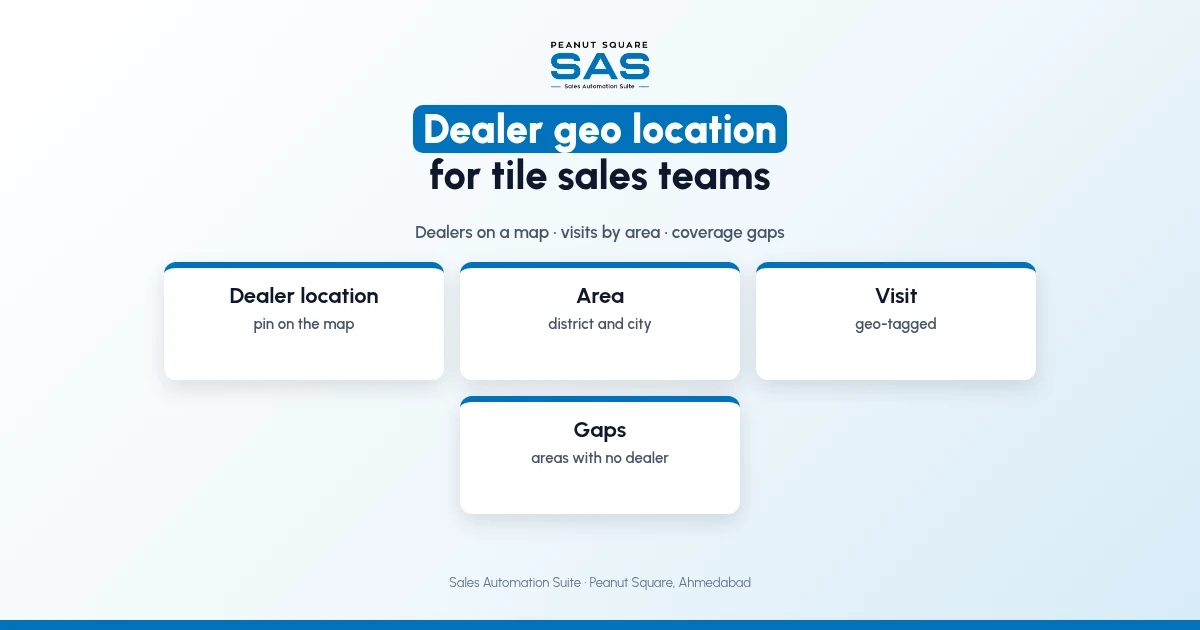
Short answer: Dealer geo location means every dealer record carries a map location, so a tile sales team can see all dealers on a map by area, plan visits to nearby dealers in one trip, send new buyers to the closest dealer, and spot districts with no dealer at all. Add a geo-tag to each visit and the sales head can see where visits really happened. Start with a clean dealer list and one owner per area.
Tile factories in Morbi sell through dealers spread across Gujarat, from Rajkot and Ahmedabad to small district towns. This guide covers the uses, the setup and how SAS shows it. For sales team reporting, see tracking sales team performance in a CRM.
Why do tile sales teams need dealer locations?
A list of dealers by city does not show which ones are 10 minutes apart, or which taluka has none. Salespeople plan trips from memory, and new areas get no attention.
What can a tile sales team do with dealer locations?
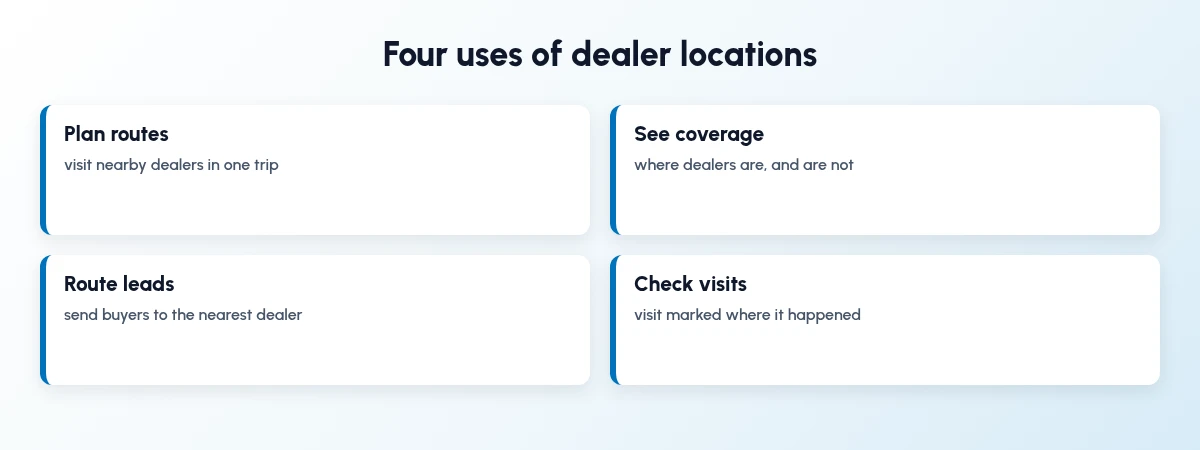
Four practical uses:
Plan routes: visit nearby dealers in one trip.
See coverage: where dealers are, and where they are not.
Route leads: send buyers to the nearest dealer.
Check visits: see that a visit was marked at the dealer's shop.
How do I set up dealer geo location?
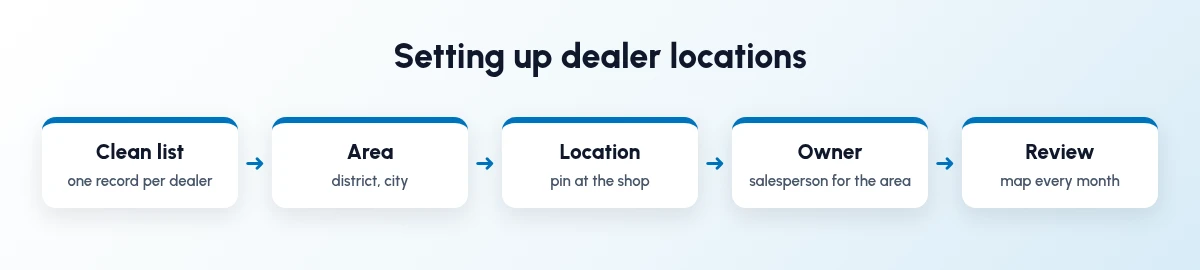
Do it once, then keep it clean.
Clean the list: merge duplicate dealers.
Set the area: district and city on each dealer.
Pin the location: at the shop, not the owner's home.
Assign an owner: one salesperson per area.
Review: look at the map every month.
How should sales heads use the dealer map?
Use it in the monthly review. Look for areas with many enquiries but no dealer, dealers no one has visited, and salespeople whose areas overlap. Decide one action for each.
How does Sales Automation Suite show dealer geo location?
Sales Automation Suite (SAS) from Peanut Square is one ERP and CRM built for how India sells. It is meant for Indian B2B sellers who outgrow a CRM-only stack: India lead portals and WhatsApp are on the pricing page, the price is in rupees, and it runs on Cloud or On-Premise.
The SAS tile industry page lists SAS Geo Location, which shows dealer locations on a map, and SAS Dealers with area, city, stage, salesperson and a dealer dashboard. The SAS Morbi page mentions dealer locations on a map for Morbi factories. The SAS pricing page lists Visit Geo-Tag and Mobile Access & Entry.
The SAS knowledge base article on creating a new dealer lists Dealer Location and Area fields. Our guides on tile manufacturer leads and tile dealer onboarding in Morbi show where location helps.
On price: ₹300/user/month on Premium (40% off ₹500, GST extra, billed yearly).
SAS is built by Peanut Square in Ahmedabad, Gujarat. The SAS tile industry page lists ISO 9001:2015 and ISO 27001:2022.
To see it with your own process: Book a free demo at sas.peanutsquare.com
How does dealer geo location help tile sales teams?
It puts every dealer on a map, so salespeople can plan routes, sales heads can see coverage and gaps, and new buyers can be sent to the nearest dealer.
Where should a dealer's location be pinned?
At the shop or showroom where the dealer sells, not the owner's home or office.
What is a visit geo-tag?
A visit marked with the location where the salesperson logged it. It shows whether a visit happened at the dealer's shop. The SAS pricing page lists Visit Geo-Tag.
How often should a sales head review the dealer map?
Monthly is a good starting point. Look for gaps, unvisited dealers and overlapping areas.
Does SAS show dealers on a map?
Yes. The SAS tile page lists SAS Geo Location, which shows dealer locations on a map.