Quick answer: The sanitaryware GST rate for ceramic fixtures under HSN 6910 is 18%: 9% CGST plus 9% SGST inside a state, or 18% IGST between states. Print the HSN code, taxable value and tax split on every invoice. Sales Automation Suite (SAS) carries quotations, orders and bills in one system.
Dealers and manufacturers often ask the same two questions about sanitaryware invoices: what rate applies, and which code goes on the bill. This post answers both from the government rate notification and shows the fields a clean invoice should carry. It covers ceramic fixtures only. It is not tax advice, so confirm each item with your chartered accountant before you print.
What is the sanitaryware GST rate?
Ceramic sinks, wash basins, wash basin pedestals, baths, bidets, water closet pans, flushing cisterns, urinals and similar sanitary fixtures are taxed at 18%. That is 9% CGST plus 9% SGST for a supply inside one state, or 18% IGST for a supply between states.
The rate sits in Schedule II, serial number 240, of Notification 9/2025-Central Tax (Rate), in force since 22 September 2025. It has been 18% since 15 November 2017, and was 28% before that, from 1 July 2017. The rate tables on gstpress.com (rates in force from 1 November 2026, read 28 November 2026) and The Statutory Brief (position as on 7 November 2026) both show this entry.
Which HSN code applies to sanitaryware?
Ceramic sanitary fixtures fall under heading 6910. The two sub-headings most dealers see are:
6910 10: fixtures of porcelain or china.
6910 90: other ceramic fixtures.
Sanitaryware is not only ceramic. Plastic, steel and brass items such as seats, taps and fittings sit under other chapters, with their own codes. Check each product line with your chartered accountant instead of putting a whole showroom under 6910.
How many HSN digits must an invoice show?
It depends on last year's turnover. Under Notification 78/2020-Central Tax, effective 1 April 2021, a registered person must show:
4 digits if aggregate turnover in the preceding financial year was up to ₹5 crore.
6 digits if it was more than ₹5 crore.
A person with turnover up to ₹5 crore may leave out the digits on an invoice for supplies to unregistered customers. Bills to registered builders and contractors are business bills, so plan to print the code.
What should a sanitaryware invoice show?
Use this as a checklist before you print. Add anything your accountant asks for:
Supplier and customer details, with GSTIN where the customer is registered.
Invoice number and date, in one running series.
A line for each product, with description, quantity and unit.
The HSN code on each line, with the right number of digits.
The taxable value, after any discount, for each line.
The tax split: CGST and SGST for a local sale, IGST for an inter-state sale.
The place of supply, which decides which split applies.
Freight and packing, shown as their own lines, not hidden in the product rate.
What goes wrong on sanitaryware invoices?
One code for everything. A showroom bill mixes ceramic fixtures with taps, seats and tiles, and the whole bill carries one code.
The wrong tax split. A dispatch to another state is billed with CGST and SGST because the place of supply was not checked.
Breakage with no credit note. Boxes come back broken, stock is adjusted, but the bill is never corrected.
Quote and bill do not match. The quotation said one rate, the bill another, and nobody can say why.
How can a CRM and ERP help with sanitaryware invoicing?
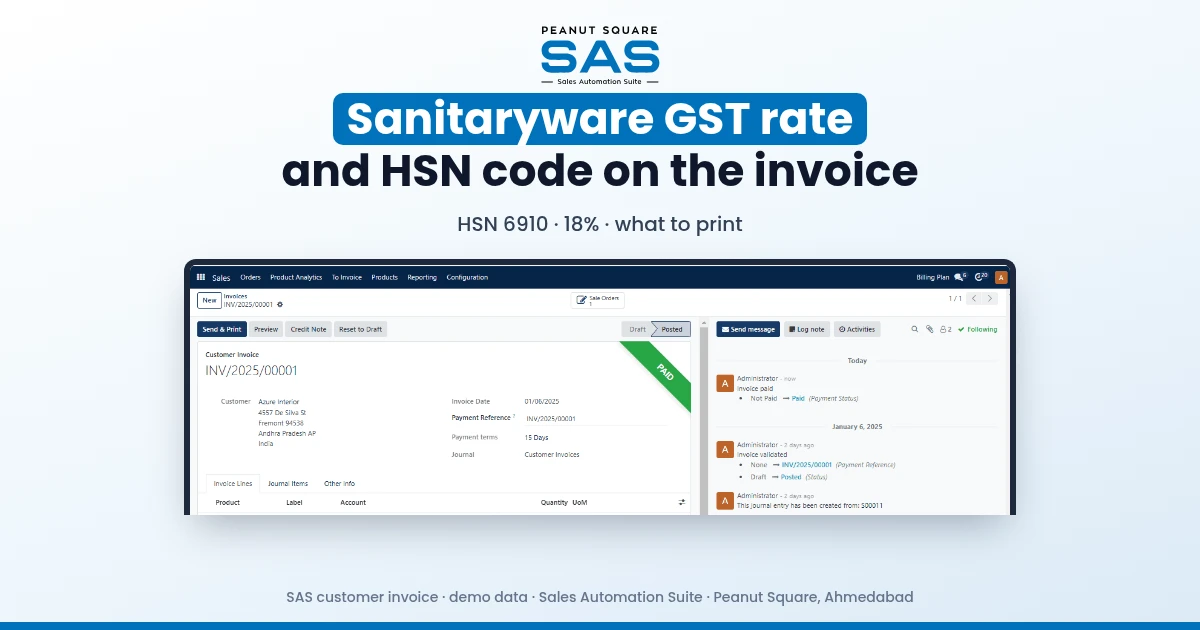
A system helps when the quote, the order and the bill share one record. In SAS the path is Quotations, Proforma Invoices, Sales Orders and Billing, with POS Print for the counter. Stock moves through Inventory and Batches, and the accounts follow through Vouchers, Ledger Record and the Trial Balance.
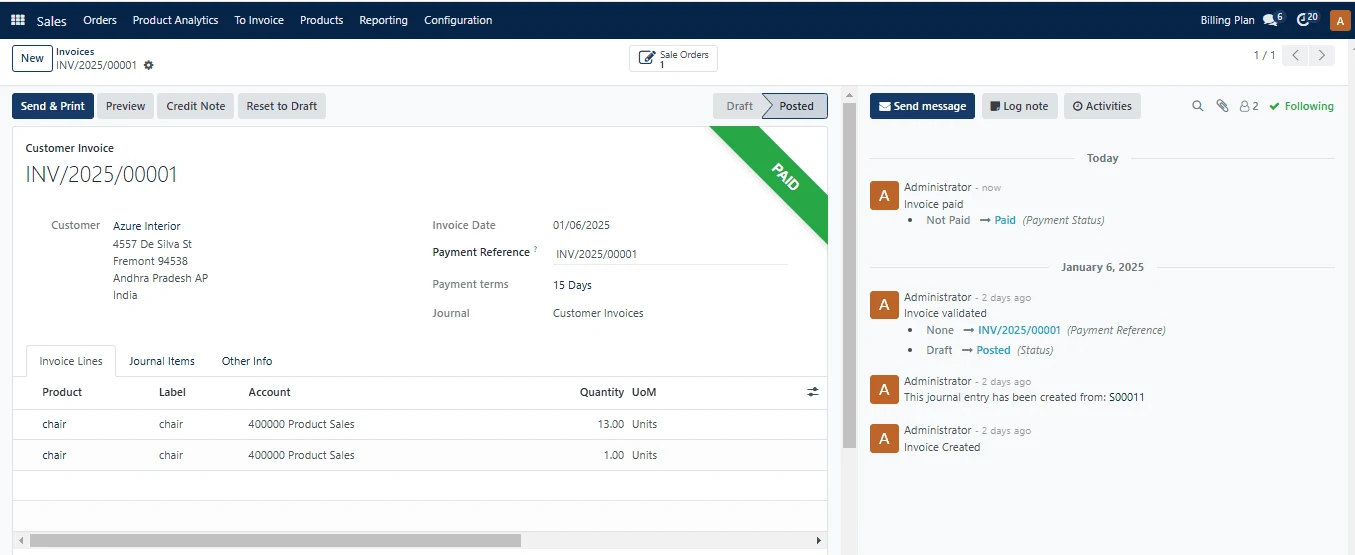
A customer invoice in SAS, with its status and history on the right. Demo data.
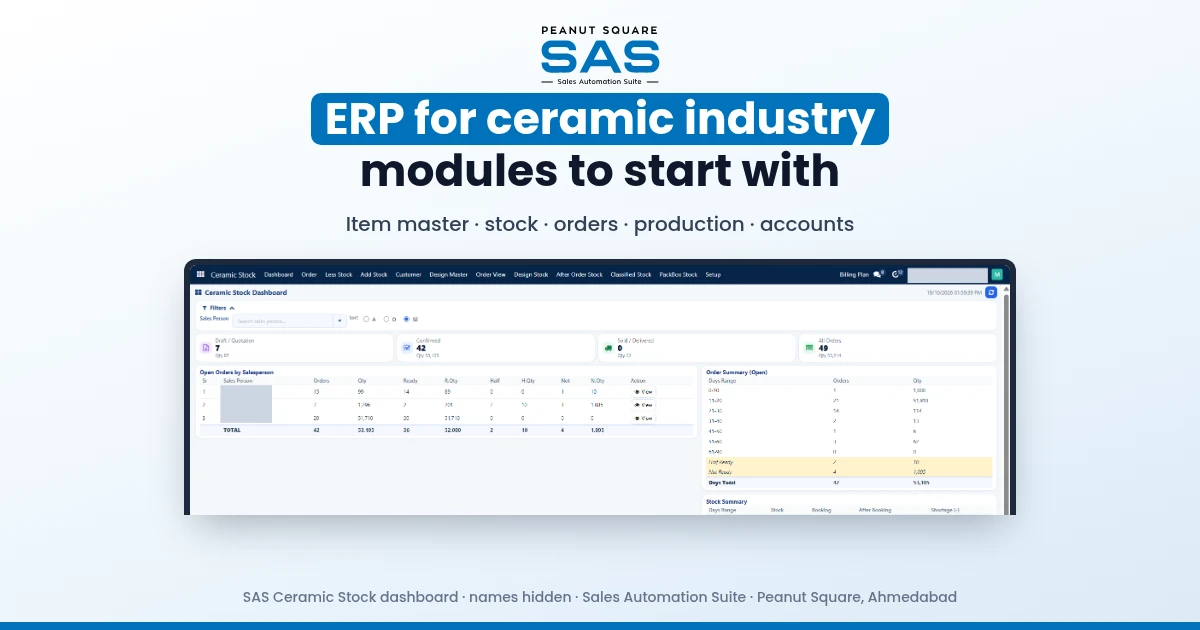
Each order can then be checked before it is billed. The Order View lists open orders with city, quantity, planning date and status, so the dispatch team sees what is ready.
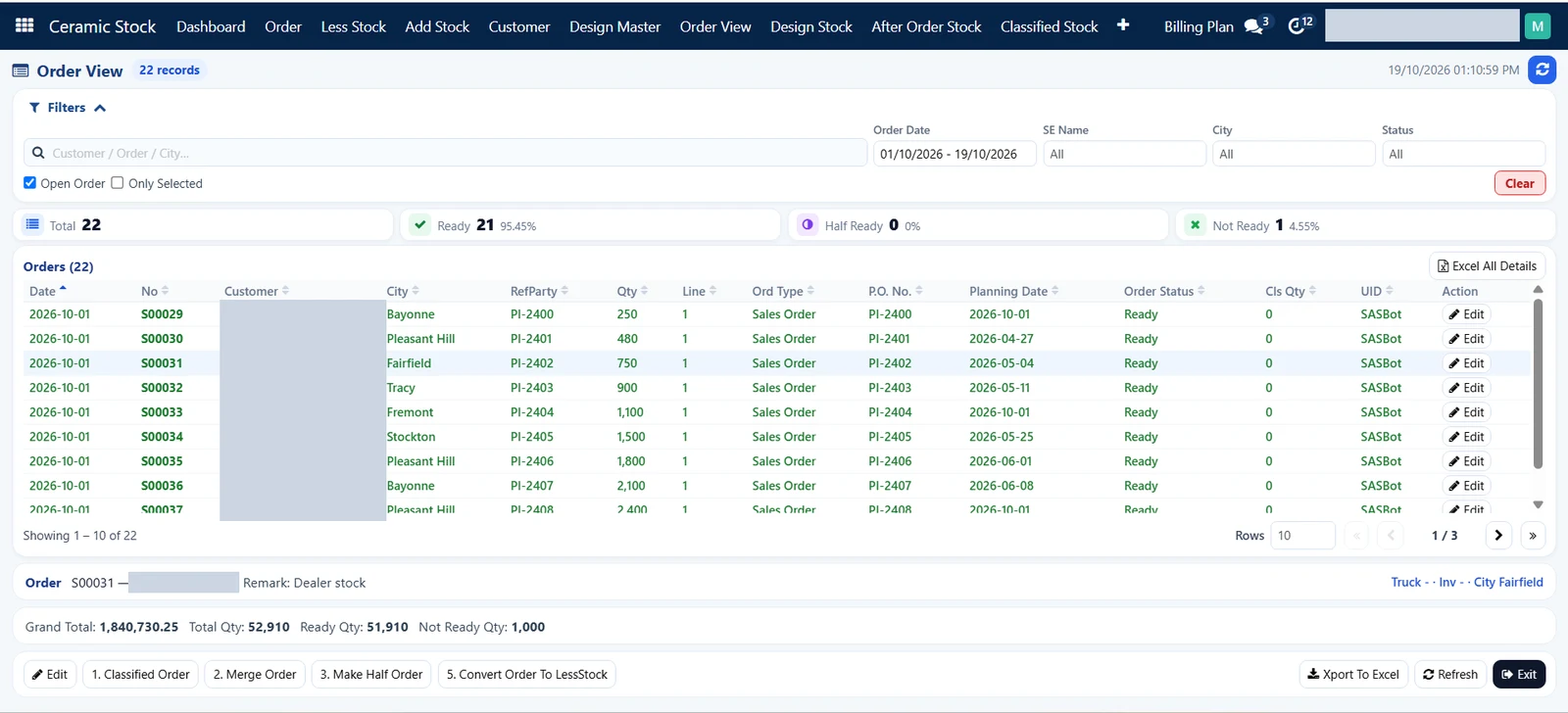
Open orders with city, quantity and status before billing. Customer names are hidden.
Items carry size, category and finish in the item list, which is where tax details for each product line belong.

The SAS item list holds size, category, finish and status for each item. Brand names are hidden.
For the quote side, read GST quotation format and how to send it from your CRM, and try the free GST calculator. The SAS Invoicing page describes billing, and dealer payment follow-up covers what happens after the bill goes out. Ask at the demo how HSN codes are set for your own items.
What does SAS cost?
₹300/user/month on Premium (40% off ₹500, GST extra, billed yearly). Enterprise has custom pricing, tailored to your business requirements. Both plans include the full feature set, email support is always free, and 20 minutes of phone support is included each month. See the pricing page. Sales Automation Suite is built by Peanut Square LLP in Ahmedabad.
FAQ
What is the GST rate on sanitaryware?
Ceramic sanitary fixtures under HSN 6910 are taxed at 18%: 9% CGST plus 9% SGST for a local sale, or 18% IGST for an inter-state sale, under Notification 9/2025-Central Tax (Rate), in force since 22 September 2025.
Which HSN code is used for sanitaryware?
Ceramic sinks, wash basins, pedestals, baths, bidets, WC pans, cisterns and urinals fall under heading 6910. Plastic, steel and brass fittings have other codes, so check each line with your accountant.
How many HSN digits must a sanitaryware invoice show?
Four digits if last year's turnover was up to ₹5 crore, and six digits if it was more, under Notification 78/2020-Central Tax, effective 1 April 2021.
How much does SAS cost per user?
₹300/user/month on Premium (40% off ₹500, GST extra, billed yearly). Enterprise has custom pricing.
Is there a free trial of SAS?
No. You can book a free demo at sas.peanutsquare.com and see your quotes and bills run on your own items.
See it with your own items and bills: Book a free demo at sas.peanutsquare.com.
Sources: gstpress.com, HSN 6910 rate page (rates in force from 1 November 2026), read 28 November 2026; The Statutory Brief, Chapter 69 rates (position as on 7 November 2026, built from CBIC rate notifications); CeramicPost GST rate card (HSN 6910 sub-headings; rates verified 20 November 2026); Notification 78/2020-Central Tax, 15 October 2020, GST Council; SAS pricing page, read 28 November 2026. This post is general information, not tax advice. Screens show demo data or have names hidden.