Short answer: Meta lead form to CRM means every Facebook and Instagram form lead lands in your CRM automatically, gets a named owner, and receives a reply quickly. From there, qualify the lead, follow up on a fixed cadence, and move serious buyers to a quotation and an order in the same system, so nothing sits in an ad account export.
The rest of this guide covers why form leads go cold, what to set up, a simple first-week plan, and how Sales Automation Suite handles it.
Why do Facebook and Instagram form leads go cold?
A lead form is easy to fill in. That is the point of it, and it is also the problem.
Someone taps your ad, the form fills their name and phone number from their profile, and they submit in seconds. They may not remember your business an hour later.
Most form leads go cold for ordinary reasons:
They sit in Meta. Leads stay in Meta's lead center or a downloaded spreadsheet until someone remembers to check.
Nobody owns them. A shared inbox or a spreadsheet has no named salesperson attached to each row.
The first reply is slow. By the time someone calls, the buyer has spoken to another supplier.
There is no follow-up plan. One unanswered call and the lead is quietly dropped.
None of this is about the ad. It is about what happens after the form is submitted, and that is the part a Meta lead form to CRM setup should handle.
What does a Meta lead form to CRM setup actually do?
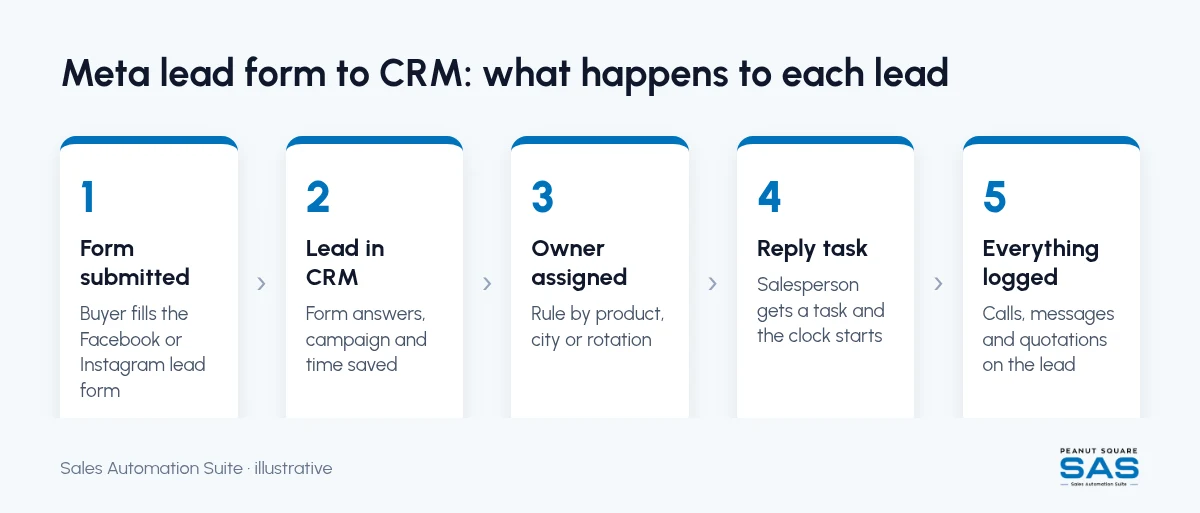
Connecting your Meta lead form to CRM software removes the manual step between the form and your sales team. In a working setup:
A buyer submits the form on Facebook or Instagram.
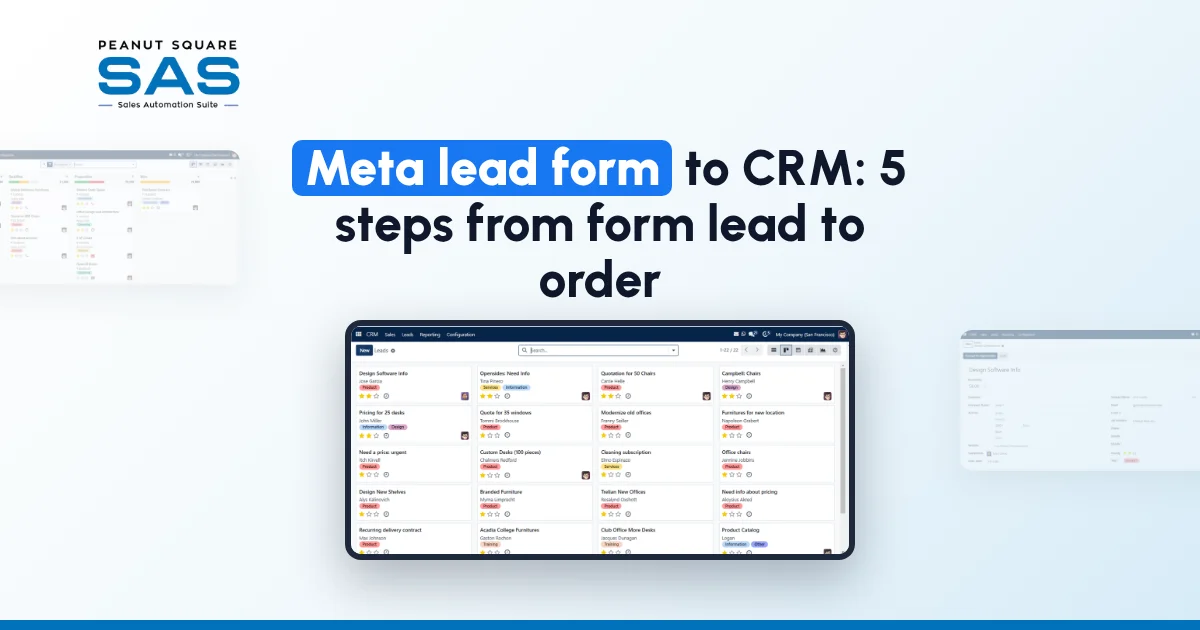
The lead appears in the CRM with the form answers, the campaign it came from, and the time.
The CRM assigns it to a salesperson by a rule you set, such as product, city, or a simple rotation.
The salesperson gets a task to reply, and the clock starts.
Every call, message, and quotation is logged against that lead.
Meta makes form leads available to connected tools through its Marketing API, as described in Meta's Retrieving Leads guide (checked 11 Oct 2026). A CRM or a connector uses that access so you don't have to download files by hand.
What should you do in the first hour?
Speed matters most at the start, while the buyer still remembers filling in the form. A first-hour routine can be short:
Send an automatic acknowledgement. A WhatsApp message or email that says who you are, what they asked about, and when a person will call.
Call or message personally. The assigned salesperson reaches out, ideally within working hours on the same day.
Confirm the requirement. Ask two or three questions that tell you whether this is a real buyer: product, quantity, location, and timeline.
Tag the lead. Mark it as qualified, not yet qualified, or not a fit, so the team knows where to spend time.
If you plan to use WhatsApp, follow WhatsApp's own rules on consent and message templates. Our guide on WhatsApp CRM automation explains the 24-hour reply window and when approved templates are needed.
How should you design the lead form itself?
Better leads start with the form. Meta lets you add your own questions, and a few good ones save your team a lot of calls.
Ask for the requirement. A short multiple-choice question on product or category tells the salesperson what to quote.
Ask for quantity or order size. This separates trade buyers from casual enquiries.
Ask for city or state. Useful for assignment, delivery, and GST billing.
Keep it short. Each extra field reduces submissions, so add only questions your team will actually use.
Map each question to a field in your CRM before the campaign starts, so every Meta lead form to CRM answer lands somewhere useful. If the answers land in a notes box, nobody will filter or report on them later.
What does a good first-week follow-up plan look like?
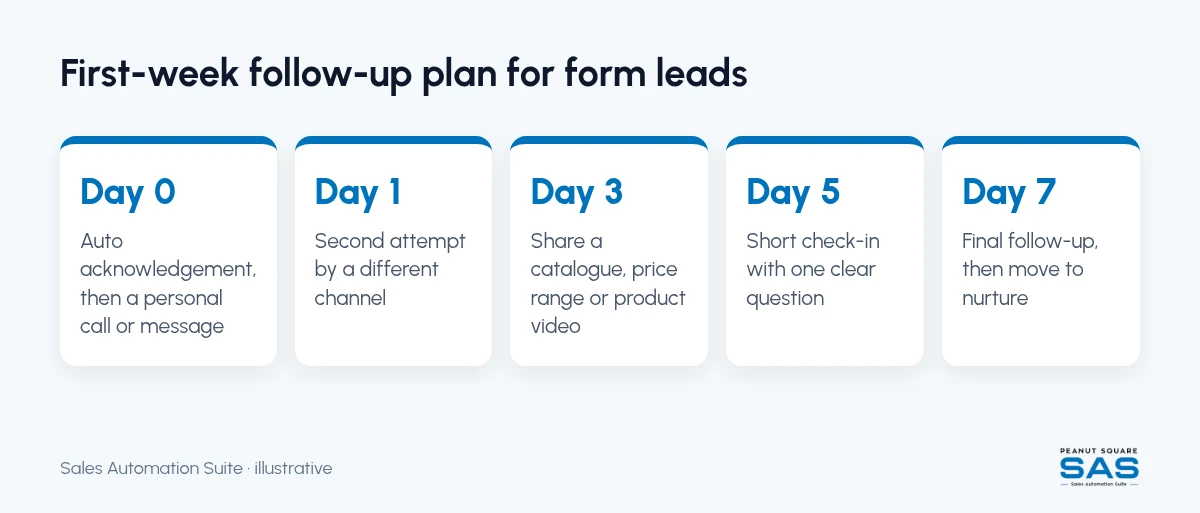
Most form leads won't reply on the first try. A fixed plan keeps them from slipping away without wearing them out. A practical starting cadence:
Day 0: Automatic acknowledgement, then a personal call or message
Day 1: Second attempt if there was no answer, by a different channel
Day 3: Share something useful: a catalogue, price range, or product video
Day 5: Short check-in with one clear question
Day 7: Final follow-up for the week, then move the lead to a slower nurture list
Set these as tasks in the CRM with a rule that stops them once the buyer replies. Adjust the days once you see when your buyers tend to respond.
How do you turn a qualified form lead into an order?
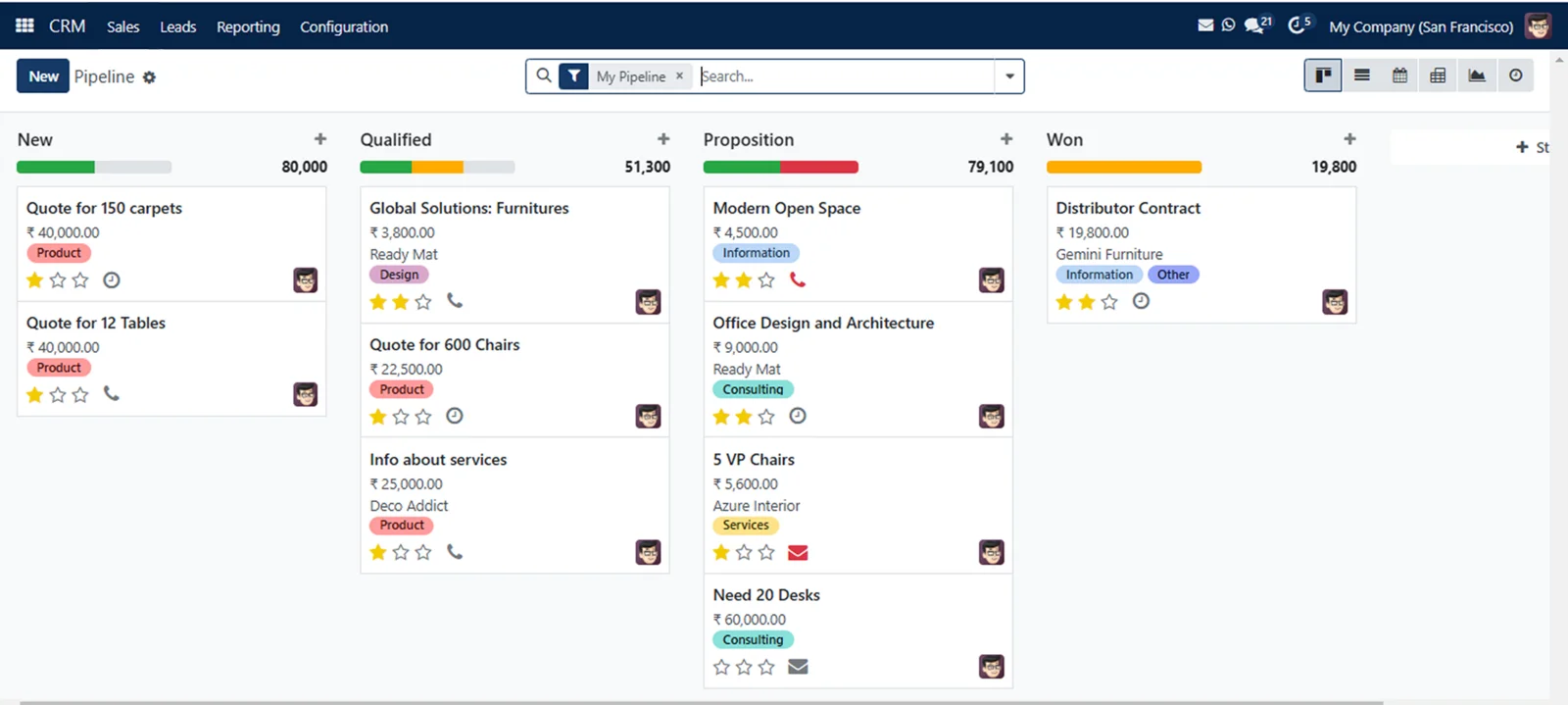
This is where a CRM-only tool often stops and a spreadsheet takes over. The lead is qualified, then the quotation is made in a separate file, the order in another, and stock is checked by phone.
A smoother path keeps the whole journey in one system:
Quotation. Create it from the lead record, so the price and products are linked to the buyer.
Proforma invoice or sales order. Convert the accepted quotation without retyping it.
Stock check. See availability before you promise a delivery date.
Billing. Invoice from the order and keep the record on the same customer.
When you connect your Meta lead form to CRM records that also hold the quotation and the order, you can see which campaigns produced orders, not just form submissions.
How does Sales Automation Suite handle Meta lead form to CRM?
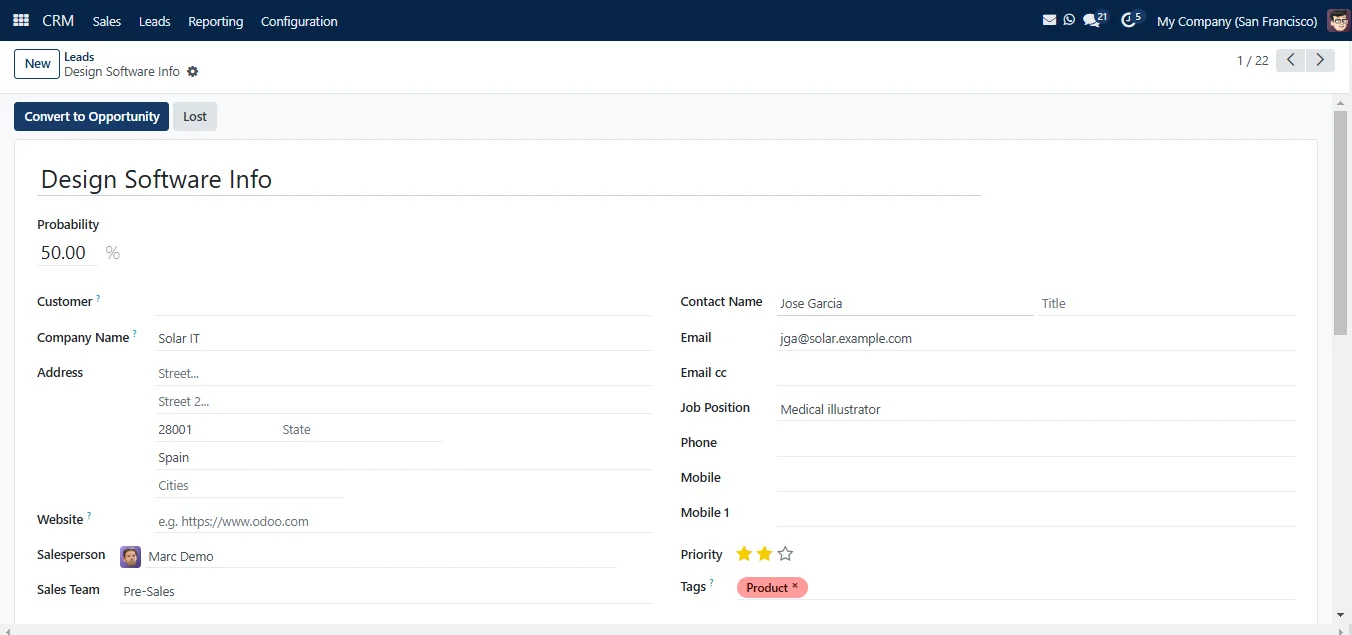
Sales Automation Suite (SAS) is an ERP and CRM from Peanut Square, built for how Indian B2B businesses sell.
According to the SAS pricing page (checked 11 Oct 2026):
Meta forms is listed under integrations, alongside IndiaMART, TradeIndia, JustDial, and Free WhatsApp Automation.
The CRM and sales features listed include Lead Import, Funnel, Assignment, Interactions, and Follow-ups.
The same plan lists Quotations, Proforma Invoices, Sales Orders, and Billing, plus Inventory with multiple stores.
A good lead form asks a few qualifying questions before the contact details. The SAS lead form, for example, asks for business type, the person's role and a yearly budget range before name, phone and email (form checked 11 Oct 2026). Those three answers give a salesperson enough context to prioritise the call.
Once the lead is in the CRM, it should reach the right salesperson without anyone forwarding it. SAS can assign leads automatically using conditions set on each sales team, as its rule-based assignment guide explains (checked 11 Oct 2026).
On pricing: ₹300 per user per month on Premium, after a listed 40% off ₹500. GST extra, billed yearly, and the discount is valid for 12 months for the initial users ordered. Source: pricing page, checked 11 Oct 2026.
SAS states ISO 9001:2015 and ISO 27001:2022 certification on its site (checked 11 Oct 2026).
Frequently asked questions
What should I do with Facebook and Instagram form leads after they come in?
Get them into your CRM automatically, assign each lead to a named salesperson, and reply the same day. Then qualify, follow up on a fixed plan, and move serious buyers to a quotation.
Can Meta lead form leads go straight into a CRM?
Yes. Meta makes leads available to connected tools through its Marketing API (Retrieving Leads, checked 11 Oct 2026). A CRM with a Meta forms integration imports them without a manual download.
How fast should I reply to a Meta form lead?
As soon as you reasonably can, ideally the same working day. Send an automatic acknowledgement right away so the buyer knows a person will follow up.
Why are my Facebook form leads low quality?
Instant forms are quick to fill, so some people submit without strong intent. Adding one or two qualifying questions, such as product and quantity, helps your team focus on real buyers.
Does Sales Automation Suite support Meta lead forms?
Yes. The SAS pricing page lists Meta forms under integrations, and the home page lists a Facebook Leads Integration (checked 11 Oct 2026).
Can I see which ads produced orders, not just leads?
Only if the lead, quotation, and order are linked in one system. Keep the campaign name on the lead record when it is imported, and report on orders by campaign.