Short answer: Yes. With WhatsApp CRM automation, your CRM can send the first reply to a new enquiry, schedule follow-up messages, and log every chat against the right lead.
A simple six-touch cadence works well for B2B: Day 1, 3, 5, 7, 11 and 21. Your team still writes the messages that need judgment, like quotations and negotiations.
The rest of this guide covers why WhatsApp follow-ups belong in the CRM, what to automate, what to leave to a person, and how to set up WhatsApp CRM automation.
Why connect WhatsApp to your CRM at all?
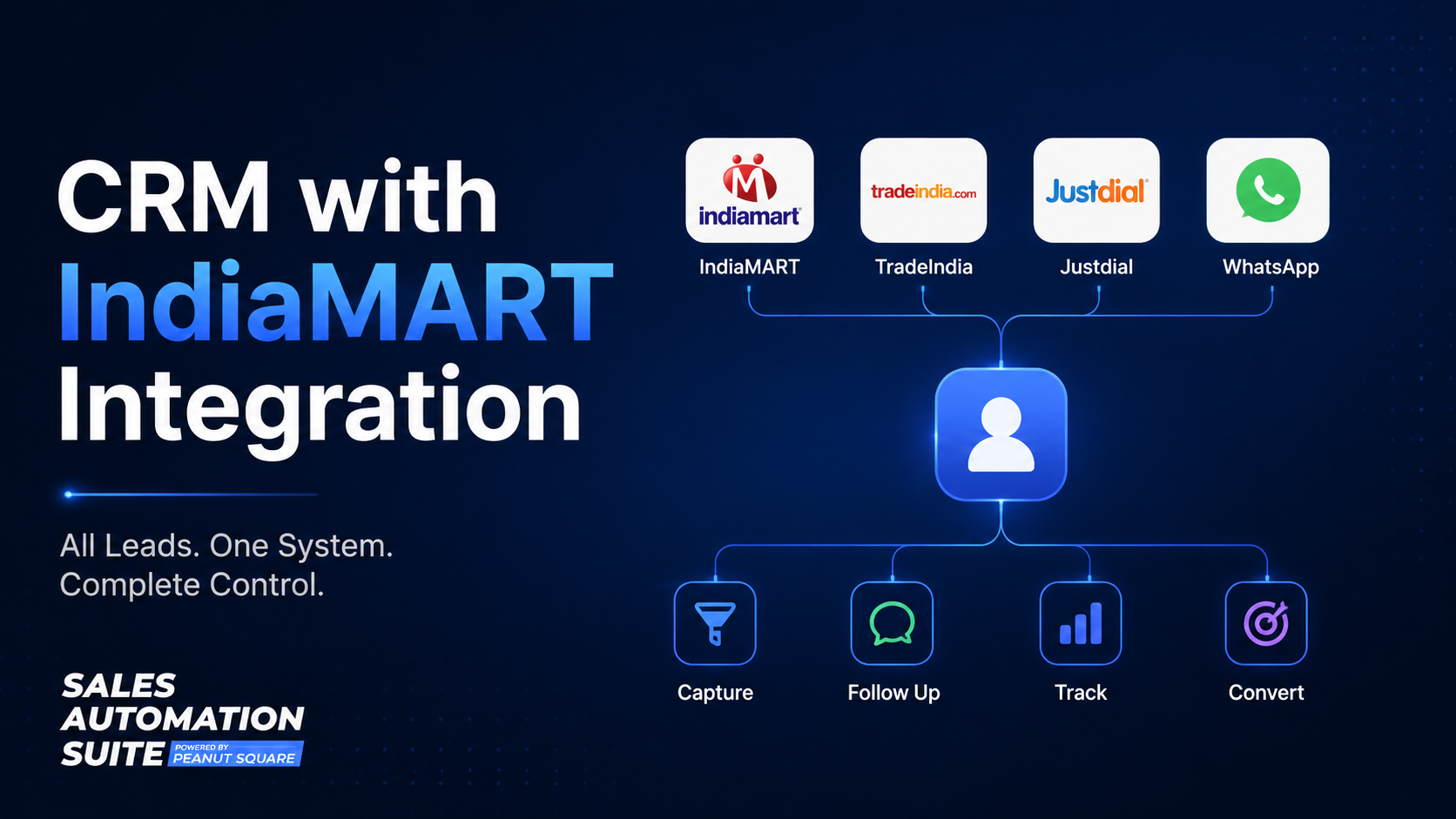
For many Indian B2B sellers, WhatsApp is where the conversation actually happens. A buyer finds you on IndiaMART or TradeIndia, then the next message arrives on someone's phone.
The trouble is that a phone is not a sales record. When chats live on personal numbers:
nobody else can see what the buyer was promised,
follow-ups depend on one person remembering,
the history leaves when that salesperson does.
Ask a simple question: what happens to your WhatsApp leads when your best salesperson takes a day off? If the honest answer is "they wait", the problem is the system, not the person.
WhatsApp CRM automation fixes this by putting every chat on the lead record, where the whole team can see it and the CRM can remind people what is due.
What should you automate, and what should stay human?
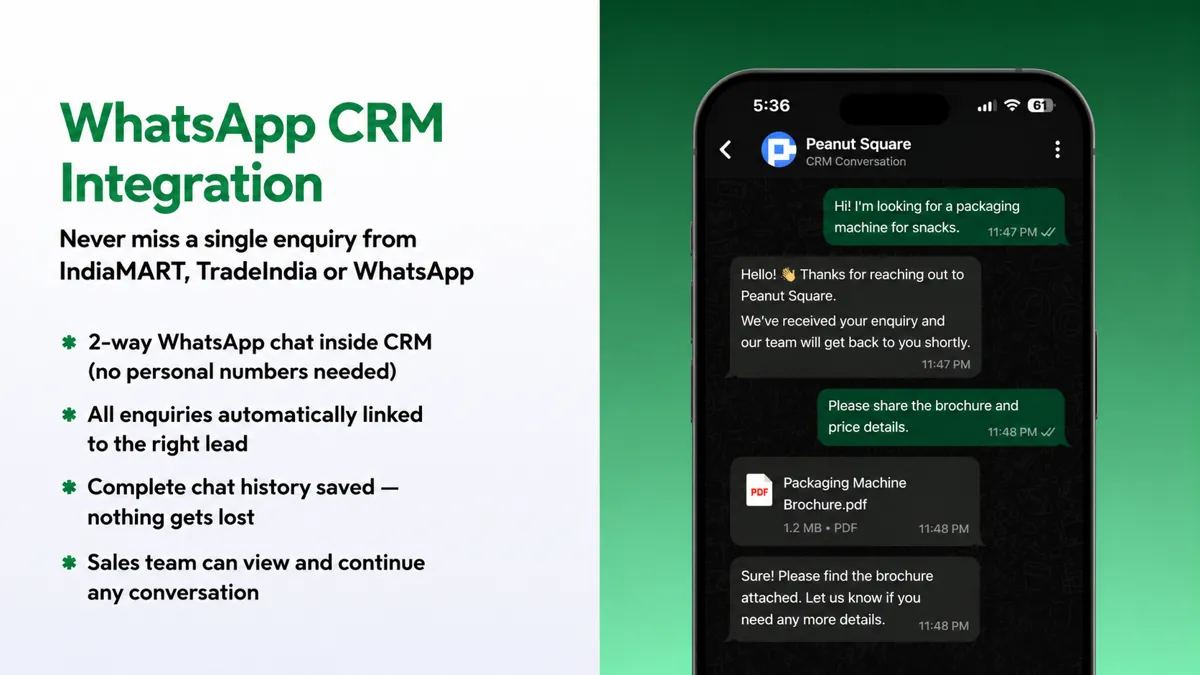
Automation is good at speed and consistency. People are good at judgment. Split the work that way.
Automate:
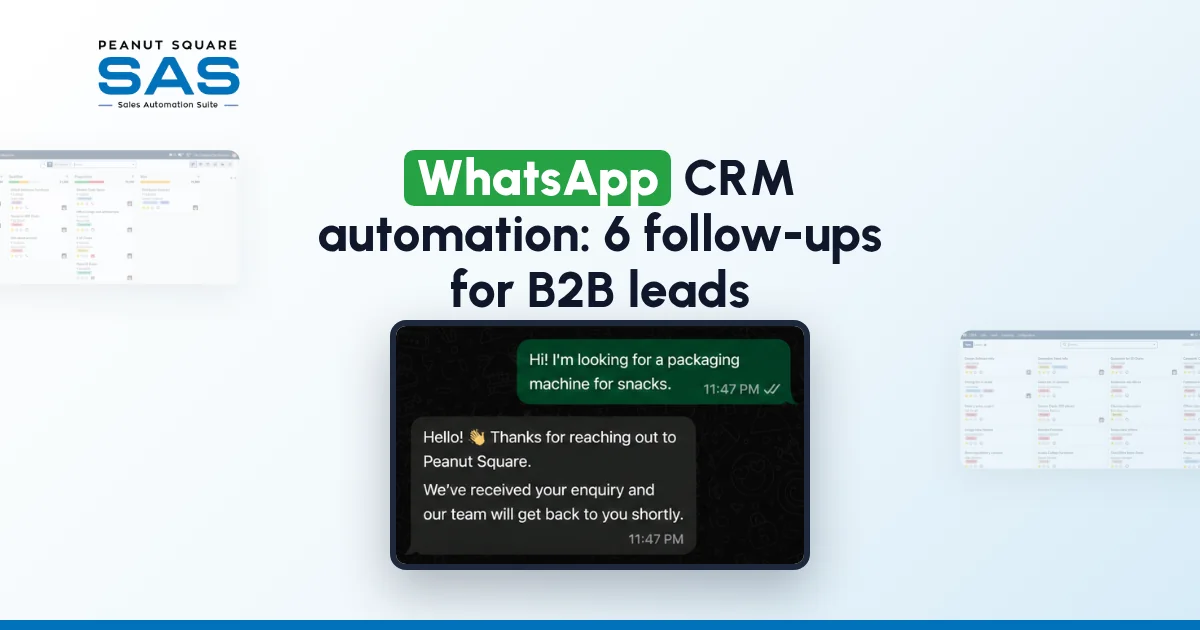
The first reply. An instant acknowledgement to a new enquiry, so the buyer knows you received it, even after hours.
Scheduled follow-ups. Reminders that go out on the agreed days unless the lead has already replied or moved stage.
Logging. Every message, in and out, saved on the lead.
Simple qualifying questions. Quantity, city, timeline, so the salesperson starts the call with context.
Keep human:
quotations and pricing,
negotiation and payment terms,
anything that sounds like a complaint,
the message after a buyer says "not now".
A buyer may send the same enquiry to several suppliers. A fast first reply gets you noticed. A thoughtful second message from a real person is what keeps you in the running.
A six-touch WhatsApp follow-up cadence
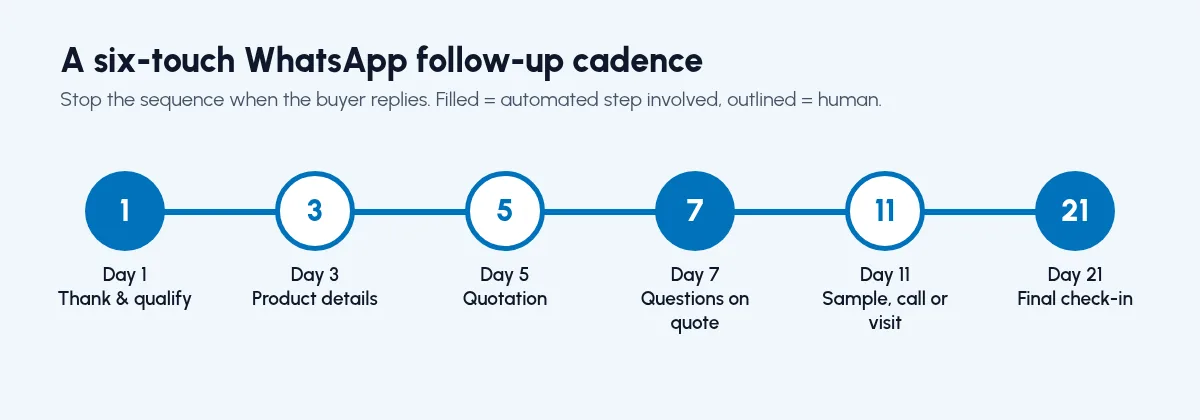
Here is a WhatsApp CRM automation cadence you can start with and adjust once you see what your buyers respond to.
Day 1 — Thank them, confirm what they asked for, ask one qualifying question — Automated first reply, human follow-up the same day
Day 3 — Share the relevant product details or catalogue — Human, with a CRM reminder
Day 5 — Send the quotation, or ask what is holding it up — Human
Day 7 — Check whether they have questions on the quote — Automated reminder, human message
Day 11 — Offer something useful: a sample, a call, a site visit — Human
Day 21 — A short, polite final check-in before marking the lead cold — Approved template
Two rules make this work:
Stop the sequence when the buyer replies. A WhatsApp CRM automation that keeps sending scheduled messages after a buyer has answered looks careless.
Move the lead's stage as you go. If Day 5 produced a quotation, the lead should move to a later stage (in SAS, Proposition), not stay in New.
How do you set up WhatsApp CRM automation, step by step?
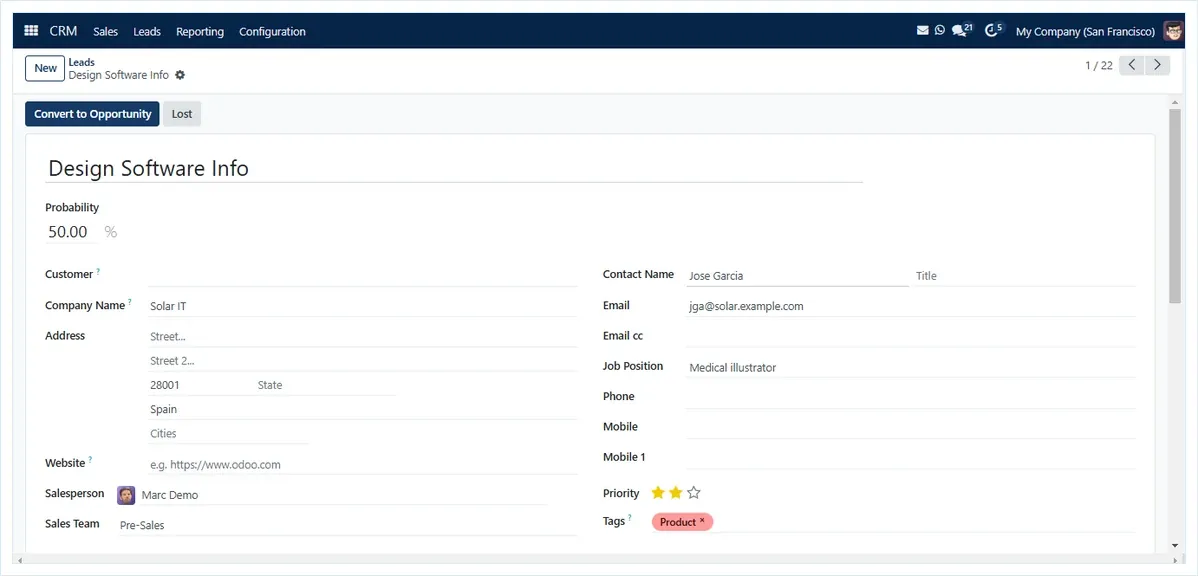
The screens differ between CRMs, but the WhatsApp CRM automation sequence is the same.
Connect a business WhatsApp number to the CRM. Use a company number, not a salesperson's personal one, so chats stay with the business.
Link chats to leads. Make sure incoming messages attach to the matching lead, using the buyer's mobile number.
Write your templates. Draft the first reply and the Day 21 check-in. Keep them short, specific and in the language your buyers use.
Set the cadence. Add follow-up tasks for Day 1, 3, 5, 7, 11 and 21, with a rule that stops them when the buyer replies.
Assign owners. Every lead needs a named salesperson who gets the reminders. In SAS, rule-based assignment can do this for you.
Test with your own number. Send an enquiry, check the first reply arrives, and check the chat appears on the lead.
Follow WhatsApp's business messaging rules
According to the WhatsApp Business Messaging Policy (checked 10 Oct 2026), you may message someone only if they gave you their number and agreed to hear from your business. Within 24 hours of the buyer's last message, you can reply freely, and automated replies are allowed as long as the buyer can easily reach a person. After 24 hours, you can send only templates WhatsApp has approved (template fundamentals, checked 10 Oct 2026).
In practice, that shapes the cadence. The Day 1 reply usually sits inside the 24-hour window. The Day 3, 5, 7, 11 and 21 messages will each need an approved template unless the buyer has replied in the meantime, so write and submit those templates before you switch the sequence on.
How does Sales Automation Suite handle WhatsApp?
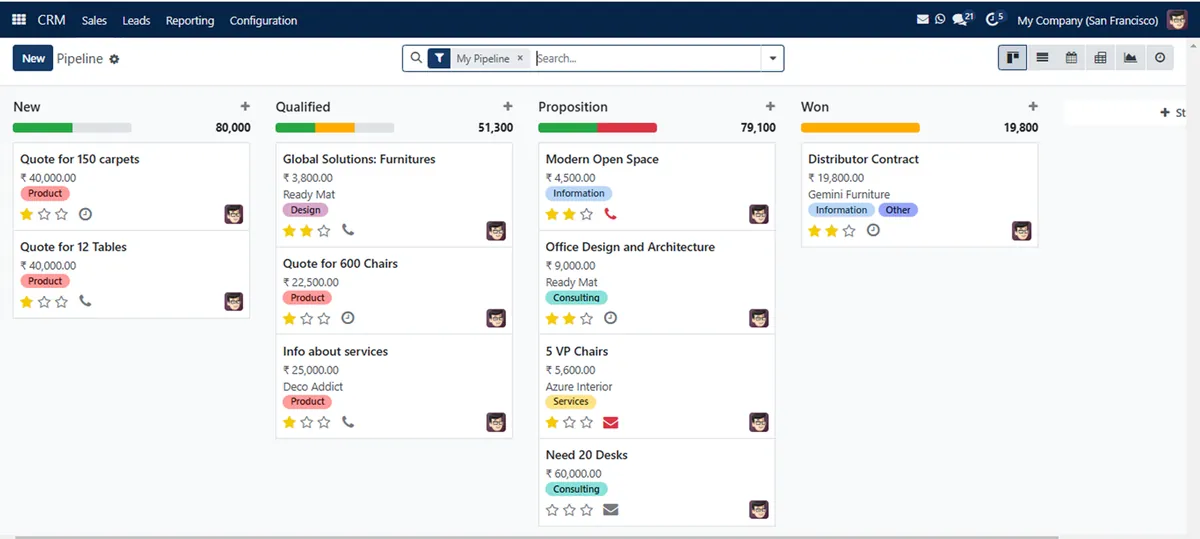
According to the SAS CRM page (checked 10 Oct 2026), Sales Automation Suite includes:
a Free WhatsApp Bot that "Instantly replies to new enquiries from IndiaMART / TradeIndia",
a WhatsApp AI Bot that "Qualifies leads, asks questions, and responds intelligently 24/7", with auto follow-ups,
2-way WhatsApp chat inside the CRM, with no personal numbers needed, where enquiries are linked to the right lead, chat history is saved, and the sales team can view and continue any conversation.
"Free WhatsApp Automation" is also listed under integrations on the pricing page.
SAS is an ERP, not just a CRM. A WhatsApp enquiry can move into a quotation, billing and stock in the same system, so the follow-up and the order sit in one place.
₹300 per user per month on Premium, after a listed 40% off ₹500. GST extra, billed yearly, and the discount applies for 12 months to the initial users ordered. Source: pricing page, 10 Oct 2026.
Frequently asked questions
Can a CRM send WhatsApp follow-ups automatically?
Yes, if it connects to a business WhatsApp number. You set the follow-up days, and the CRM sends or reminds on schedule. Good WhatsApp CRM automation stops the sequence once the buyer replies.
How often should I follow up with a B2B lead on WhatsApp?
A six-touch cadence on Day 1, 3, 5, 7, 11 and 21 is a practical starting point. Adjust it once you see when your buyers tend to reply.
Should salespeople use their personal WhatsApp for leads?
It's better not to. Chats on personal numbers are invisible to the rest of the team and leave with the salesperson. A business number connected to the CRM keeps the history with the company.
Can I send WhatsApp follow-ups after 24 hours?
Only with a template WhatsApp has approved, unless the buyer has messaged you again. The WhatsApp Business Messaging Policy allows free replies within 24 hours of the buyer's last message (checked 10 Oct 2026).
What should never be automated on WhatsApp?
Quotations, negotiation, payment terms and complaints. Those need a person who can read the situation.
Does Sales Automation Suite reply to IndiaMART enquiries on WhatsApp?
The SAS CRM page describes a Free WhatsApp Bot that instantly replies to new enquiries from IndiaMART and TradeIndia (checked 10 Oct 2026).