Quick answer: To work out how many boxes of tiles you need, measure the area in square feet, add wastage (about 10% for a straight lay, 15% for diagonal), divide by the area one box covers, and round up to a whole box once, at the end. Sales Automation Suite (SAS) keeps the box count on the quotation, order and bill.
"How many boxes do I need?" is the question a dealer answers more often than any other. Get it wrong one way and the customer is short a box in the middle of a job, often from a batch you no longer have. Get it wrong the other way and you sell boxes that come back. This post gives the counter staff one method, with the box maths, the wastage and the rounding rule written down.
How many boxes of tiles do I need for a room?
Measure each area to be tiled: length × width for floors, height × width for walls. Take out doors and windows on walls.
Add the areas that use the same tile, in square feet.
Add wastage for cuts and breakage, based on the laying pattern.
Read the box coverage from the carton or the price list, in square feet per box.
Divide the total area with wastage by the coverage per box.
Round up once to the next whole box.
How do you convert square feet to boxes?
Box coverage is the area of one tile times the number of tiles in the box. One square foot is 0.09290304 square metres, so one square metre is about 10.764 square feet (NIST conversion factors). Tiles per box varies by maker and size, so always use the number printed on the carton. A few common sizes, assuming the pieces per box shown:
600 × 600 mm, 4 pieces: 1.44 sq m, about 15.5 sq ft per box.
600 × 1200 mm, 2 pieces: 1.44 sq m, about 15.5 sq ft per box.
300 × 600 mm, 6 pieces: 1.08 sq m, about 11.6 sq ft per box.
800 × 1600 mm, 2 pieces: 2.56 sq m, about 27.6 sq ft per box.
A worked example: a 12 × 14 ft room is 168 sq ft. With 10% wastage that is 184.8 sq ft. Divided by 15.5 sq ft per box, that is 11.9, so the customer needs 12 boxes. Laid diagonally with 15% wastage it is 193.2 sq ft, or 12.5, so 13 boxes.
How much wastage should I add?
Use the laying pattern as the starting point. Planning guides published in 2026 give roughly the same figures:
Straight or grid lay: 10%.
Diagonal at 45 degrees: 15%.
Herringbone: about 20%.
Material Guides (published 16 October 2026, updated 18 November 2026) also advises more for small rooms, rooms with many corners and large-format tiles, because most tiles in a small bathroom touch a wall and get cut. The UK Tile Calculator guide (updated March 2026) adds a little more for rooms with pipes, pedestals and alcoves. These are rules of thumb, not standards, so let the tiler's view win on a difficult room.
How do I round up without over-selling?
Round once, at the end. Rounding each wall up and then the total again adds boxes nobody needs.
Keep wastage in one place. Do not add it to the area and then add a spare box on top.
Sell from one batch. Shade can differ between batches, so put the whole order on one batch where stock allows, and say so on the quotation.
Tell the customer about spares. A few spare tiles from the same batch help with a repair years later; count them inside the wastage.
Write the maths on the quote: area, wastage, coverage per box and boxes. It stops arguments later.
What goes wrong when dealers count boxes?
The usual mistakes are mixing square metres and square feet on one quote, using last season's pieces per box after the factory changed the pack, forgetting skirting and steps, and quoting a total that the godown cannot fill from one batch. Each one shows up as a second trip, a short box or a return.
How can a CRM help with tile box maths on quotes?
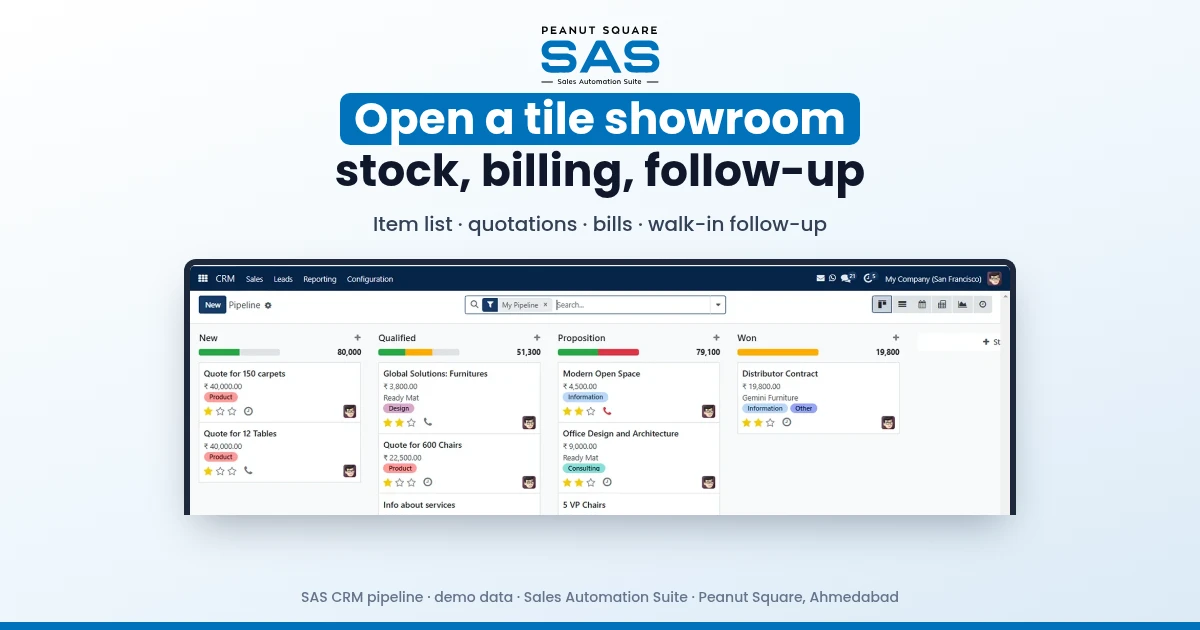
A system helps when the box count travels from the quote to the order to the bill without being typed again. In SAS that path is Quotations, Proforma Invoices, Sales Orders and Billing, with POS Print at the counter. Inventory, Batches and Stock Availability show whether one batch can fill the order, and Follow-ups and Free WhatsApp Automation keep the customer in touch while they decide.
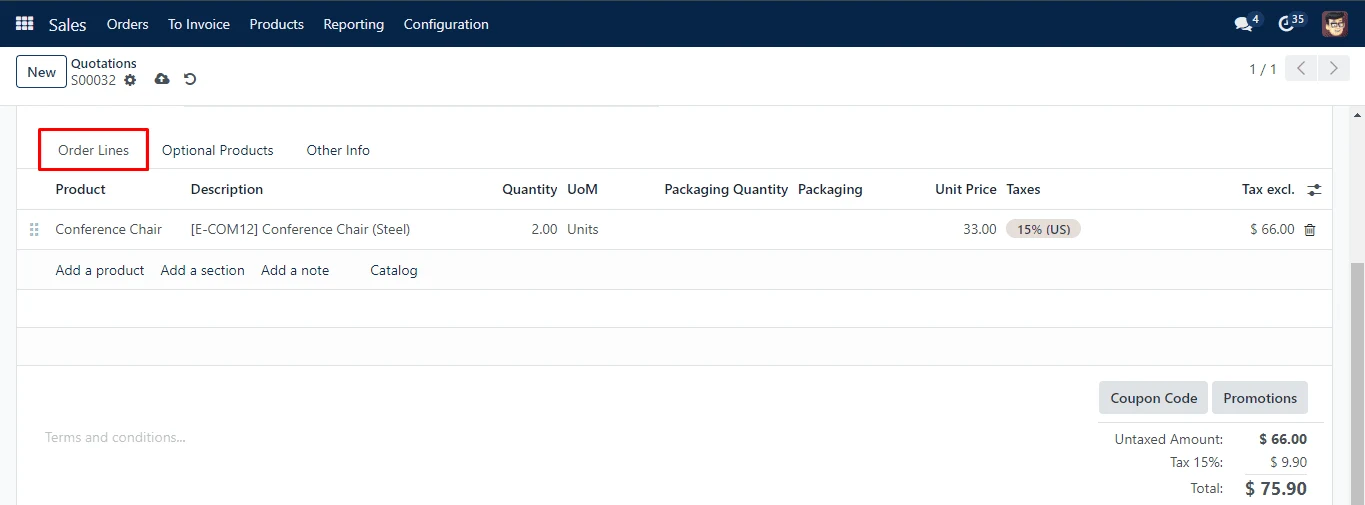
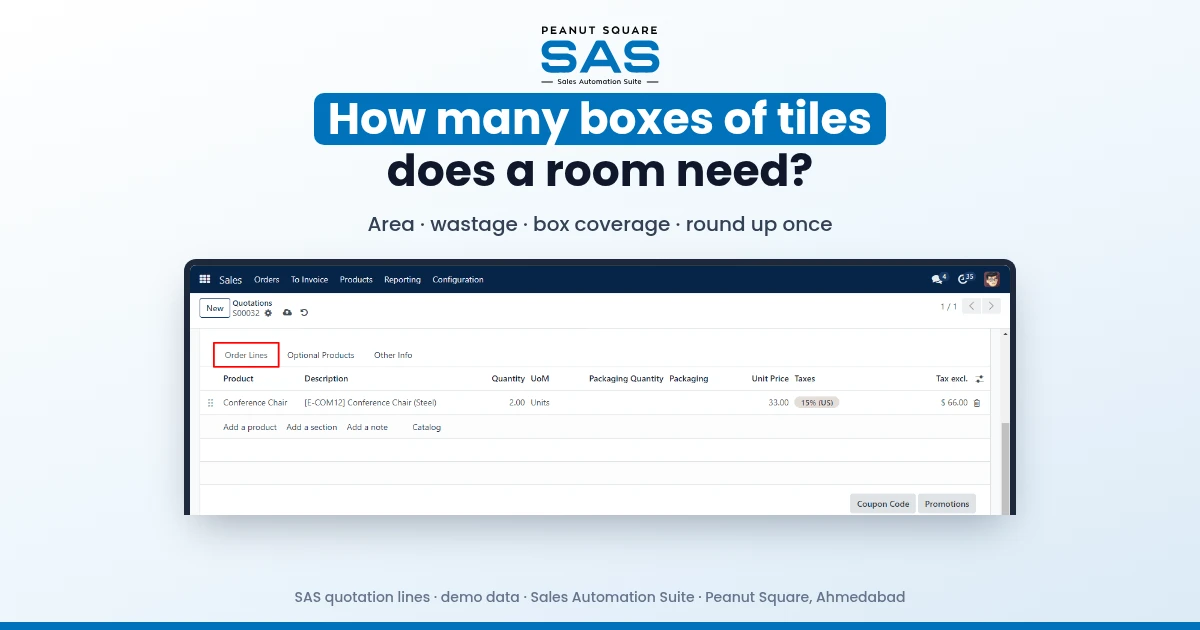
Quotation lines in SAS carry quantity, unit of measure and packaging columns. Demo data.
Units of measure and product packagings are switched on in the sales settings. The settings screen describes packagings as selling products by a multiple of units per package.
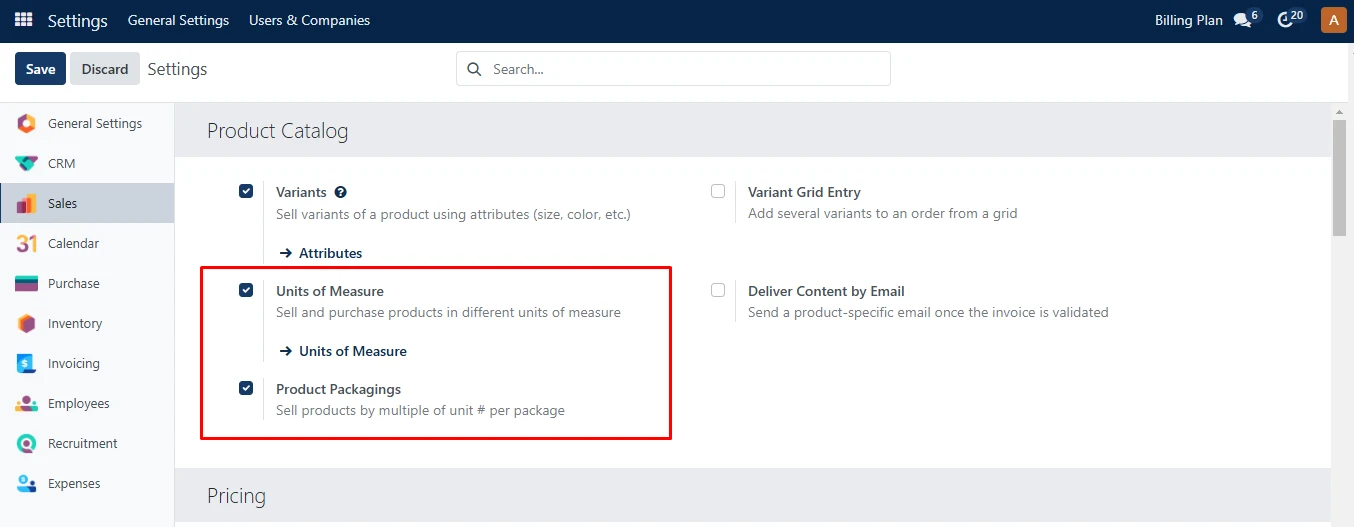
Units of Measure and Product Packagings in the SAS sales settings.
Surface units include both square feet and square metres.
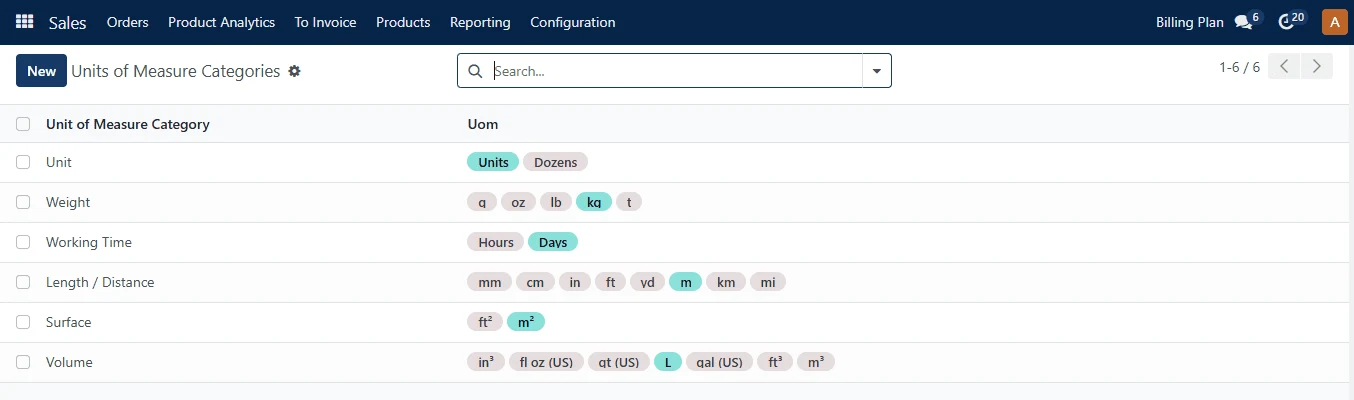
Unit of measure categories in SAS, with square feet and square metres under Surface.
Try the free quotation generator for a one-off quote, and see the SAS CRM page for quotations and follow-up. After the sale, tile order status tracking covers the order, and tile reorder planning covers topping up stock. Ask at the demo how box coverage is set up for your own designs.
What does SAS cost?
₹300/user/month on Premium (40% off ₹500, GST extra, billed yearly). Enterprise has custom pricing, tailored to your business requirements. Both plans include the full feature set, email support is always free, and 20 minutes of phone support is included each month. See the pricing page. Sales Automation Suite is built by Peanut Square LLP in Ahmedabad.
FAQ
How do I convert square feet to boxes of tiles?
Divide the area to be tiled, with wastage added, by the square feet one box covers, then round up to the next whole box. Box coverage is tile area times pieces per box.
How much extra tile should I buy for wastage?
About 10% for a straight lay, 15% for a diagonal lay and around 20% for herringbone, with a little more for small or awkward rooms and large tiles.
How many square feet are in a box of 600 × 600 mm tiles?
It depends on the pieces per box printed on the carton. A box of four 600 × 600 mm tiles covers 1.44 square metres, about 15.5 square feet.
How much does SAS cost per user?
₹300/user/month on Premium (40% off ₹500, GST extra, billed yearly). Enterprise has custom pricing.
Is there a free trial of SAS?
No. You can book a free demo at sas.peanutsquare.com and see a quotation built with your own designs and boxes.
See box counts carried from quote to bill: Book a free demo at sas.peanutsquare.com.
Sources: Material Guides, Tile Waste Factor by Layout, published 16 October 2026, updated 18 November 2026; Tile Calculator UK, Tile Wastage Calculator, updated March 2026, read 29 November 2026; NIST Guide to the SI, Appendix B.9 conversion factors, read 29 November 2026; SAS pricing page, read 29 November 2026. Pieces per box in the size list are examples; use the carton. Screens show demo data.