Modern businesses use dozens of applications to manage sales, finance, HR, inventory, marketing, communication, and daily operations. The challenge is that these systems often operate independently, forcing teams to repeatedly copy data, send manual notifications, update spreadsheets, and move information from one application to another.
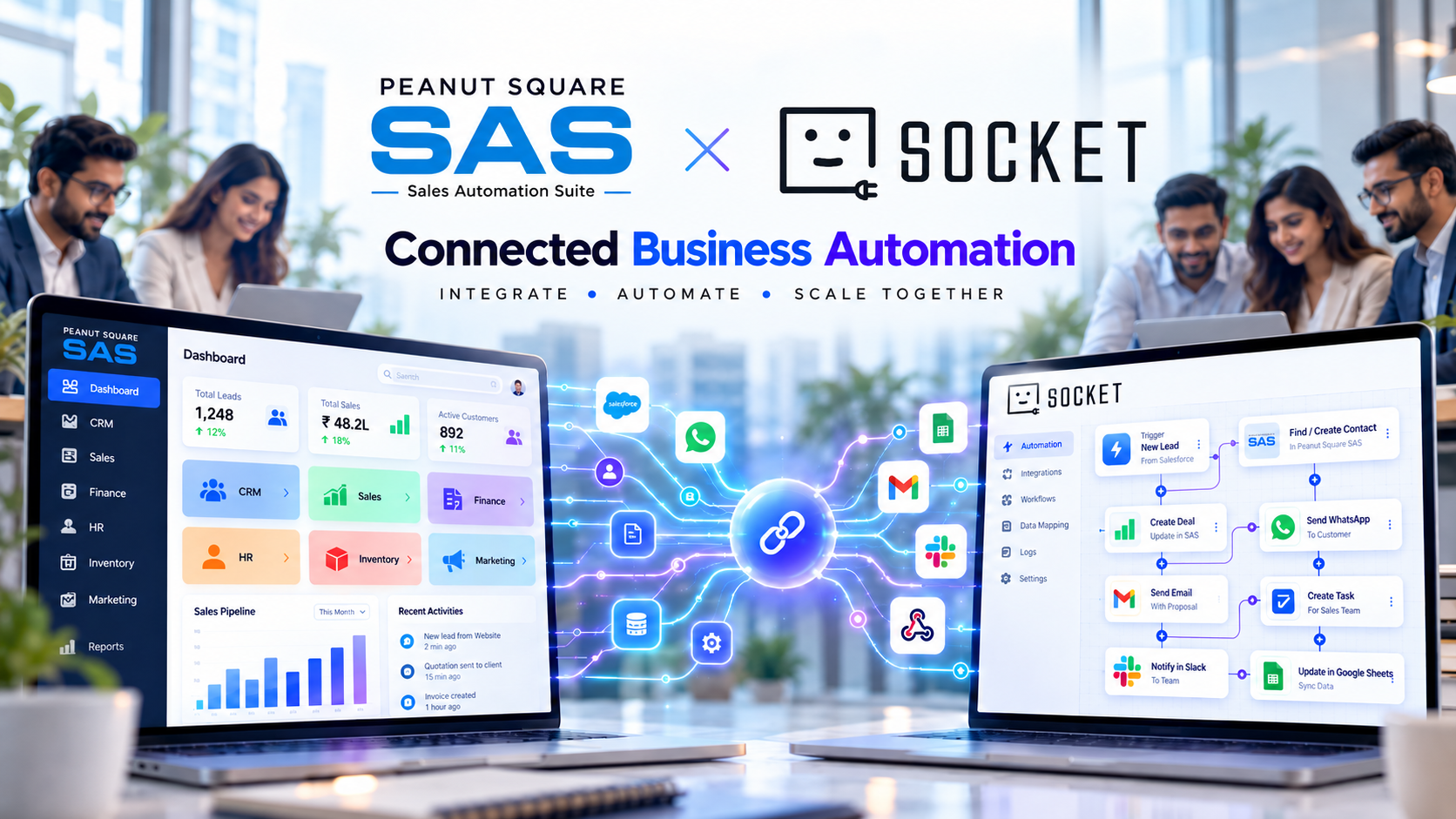
Sales Automation Suite (SAS) by Peanut Square is now officially partnering with viaSocket to make these workflows simpler, more connected, and easier to automate.
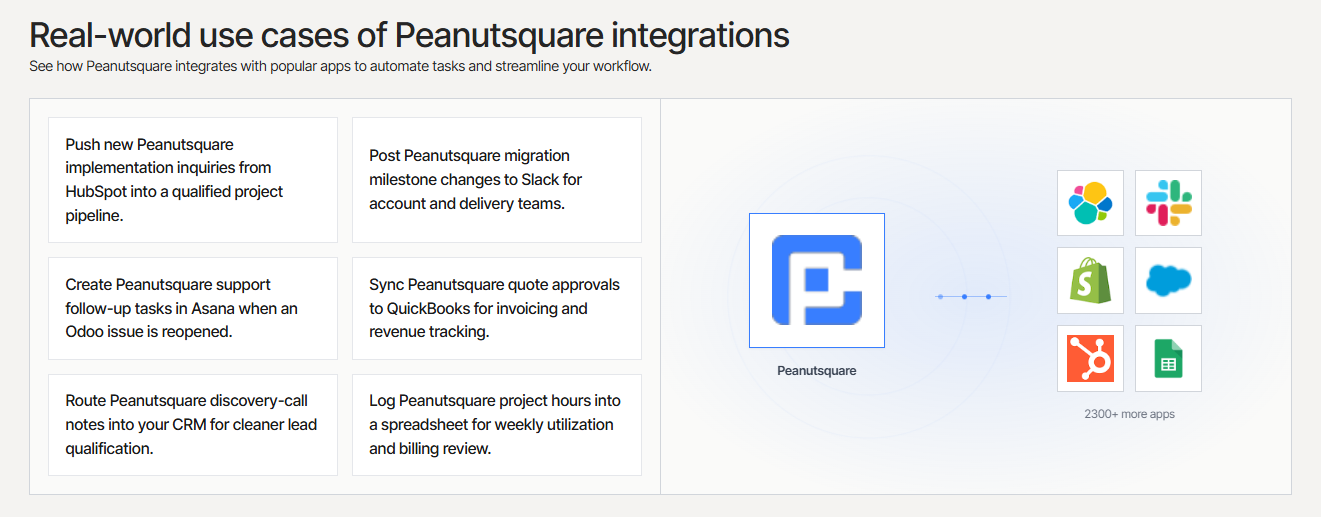
Through the partnership, businesses can connect Peanut Square's Sales Automation Suite with 2,300+ applications through viaSocket's no-code workflow automation platform—without needing to build custom integrations for every workflow.
Connect Sales Automation Suite with viaSocket
What Is the Peanut Square Sales Automation Suite?
Peanut Square Sales Automation Suite (SAS) is an all-in-one business operations platform designed to bring key business functions into one connected system.
Instead of managing sales, finance, HR, inventory, and marketing activities across disconnected platforms, businesses can manage their core operations through SAS.
The platform brings together areas such as:
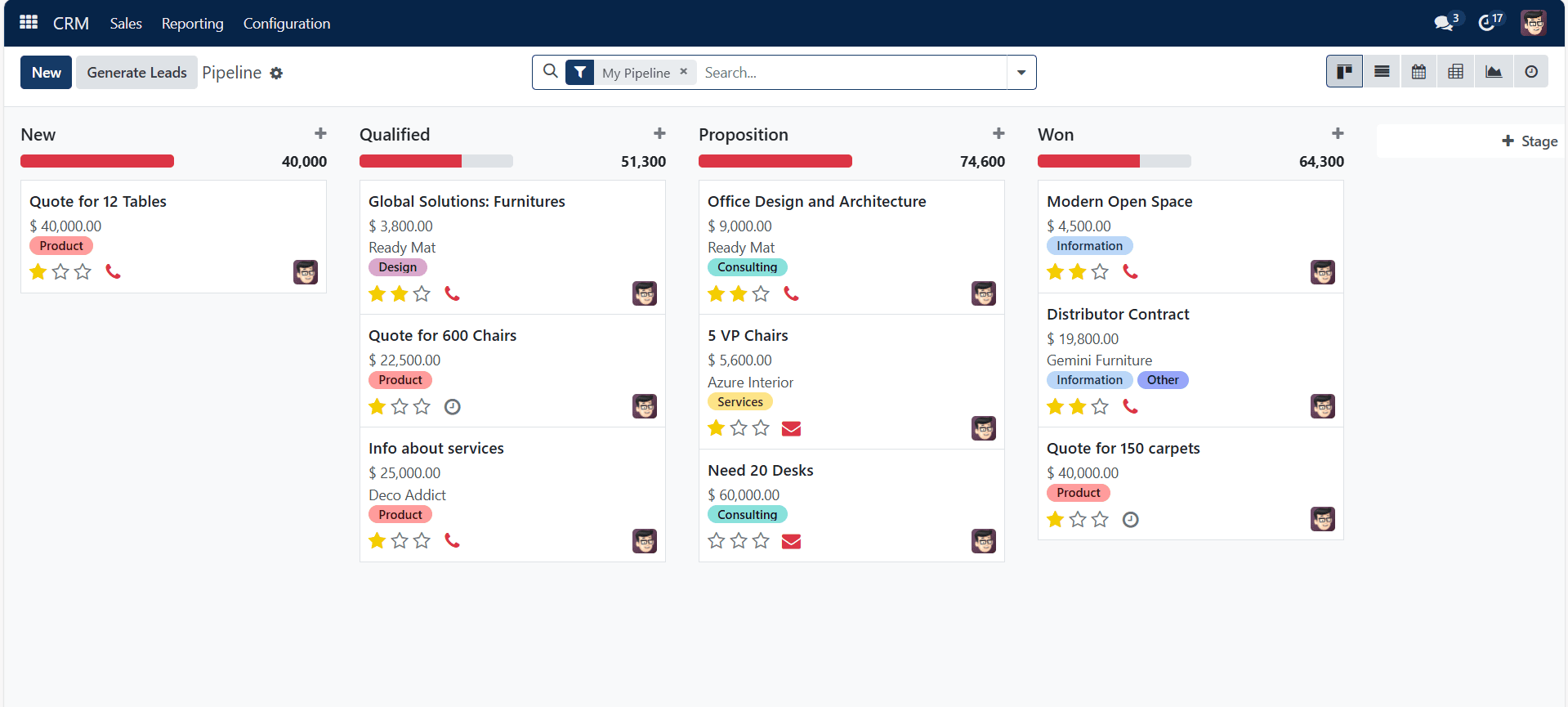
CRM
Sales management
Invoicing
Inventory
HR
Website
Marketing
Project and operational workflows
The goal is straightforward: business data should move with the business instead of being trapped inside disconnected applications.
What Is viaSocket?
viaSocket is a no-code, AI-powered workflow automation platform that enables businesses to connect their applications and automate repetitive processes.
It supports more than 2,300 connected applications, allowing businesses to create workflows across CRM platforms, HR systems, productivity applications, communication tools, databases, marketing platforms, and other business software.
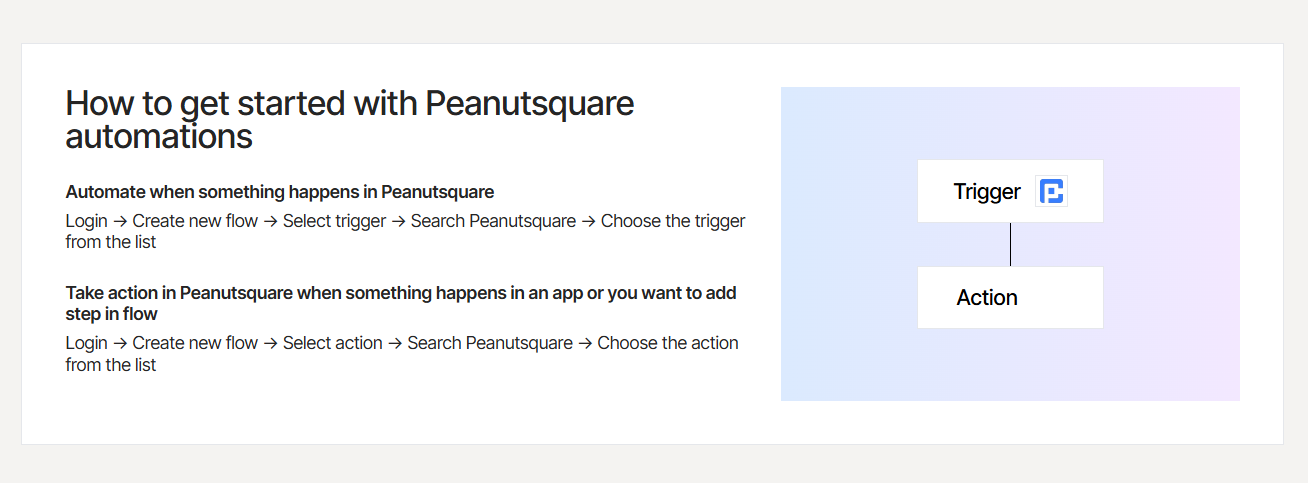
Instead of requiring developers to build every integration from scratch, teams can create automated workflows using triggers and actions.
This makes it possible to connect the tools businesses already use with the operational data inside SAS.
Peanut Square SAS × viaSocket: Connecting Business Operations
The partnership brings together two complementary capabilities:
Peanut Square SAS manages the business operations and data.
viaSocket connects that data with the other applications used by the business.
Together, they enable organizations to build end-to-end workflows across Sales, Finance, HR, Marketing, and Operations without writing custom integration code.
For example, when an event happens inside SAS, it can become the starting point for an automated workflow.
A new CRM lead can trigger a notification.
An invoice status change can initiate a finance workflow.
An inventory update can be synchronized with another business application.
An employee event can trigger an HR notification.
The result is a connected workflow instead of a manual chain of tasks.
How Businesses Can Use the Integration
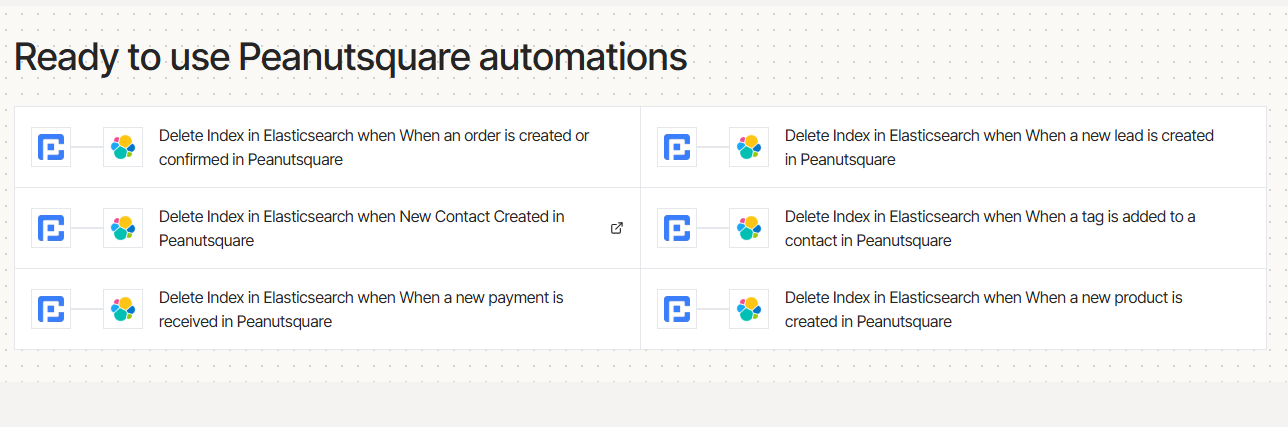
1. Automate CRM Lead Management
Sales teams often receive leads from multiple sources and then manually enter those leads into their CRM.
With SAS and viaSocket, businesses can create workflows around CRM events.
For example:
Website form → SAS CRM → Sales notification → Follow-up task
This can help sales teams respond faster and reduce the possibility of leads being missed.
2. Connect Sales and Finance
Sales and finance teams frequently depend on each other's data.
A change in deal or invoice status can require a notification or action from another team.
Automation can connect these events so that relevant teams receive information automatically.
For example:
Deal status changed → Finance notification → Invoice workflow
This reduces repetitive data entry and keeps teams working from more consistent information.
3. Automate HR Workflows
HR teams also perform many repetitive administrative tasks.
The SAS and viaSocket integration can be used to automate workflows around:
Employee onboarding
Attendance
Time-off notifications
Employee records
HR alerts
For example:
New employee added → Onboarding workflow → Team notification → Task creation
This creates a smoother employee onboarding process while reducing manual coordination.
4. Connect Inventory and Operations
Inventory information often needs to be shared across warehouses, dealers, e-commerce channels, and other operational systems.
SAS provides the underlying inventory and purchase data, while viaSocket can connect that information to other applications.
Possible workflow:
Inventory change → viaSocket → External application → Notification/update
This can help teams maintain better visibility into stock and supply-related information.
5. Automate Marketing Workflows
Marketing teams can use CRM and sales activity as triggers for automated campaigns.
For example:
CRM activity → Customer segmentation → Marketing workflow → Email/SMS action
This makes it easier to connect sales activity with marketing operations and create more targeted campaigns.
How the SAS + viaSocket Automation Works
The workflow can be understood in five simple steps.
Step 1: Identify a Repetitive Task
Start by identifying something your team repeatedly does.
For example:
Copying leads into spreadsheets
Sending status notifications
Creating follow-up tasks
Updating another application
Sharing inventory information
These are strong candidates for automation.
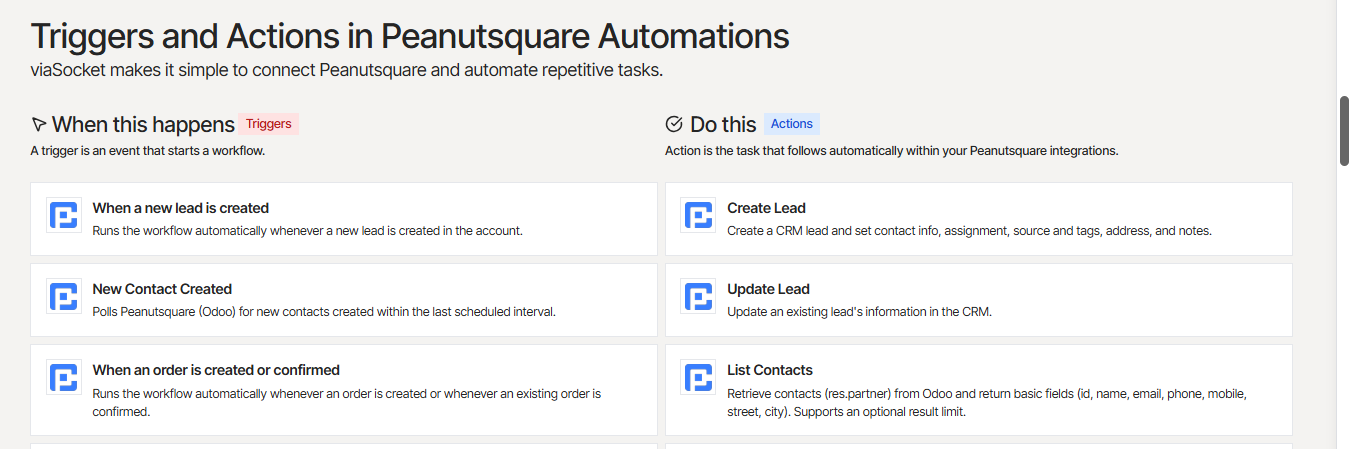
Step 2: Choose a Trigger
The trigger is the event that starts the workflow.
Examples include:
New CRM lead
Invoice created or updated
Form submission
Employee record created
Inventory change
Scheduled event
Step 3: Define the Action
Next, decide what should happen after the trigger.
The action could be:
Send a notification
Update a record
Create a task
Send information to another application
Start another workflow
Step 4: Let the Workflow Run Automatically
Once configured, the workflow can execute automatically whenever the defined trigger occurs.
Instead of an employee manually moving information between systems, the automation handles the repetitive process.
Step 5: Monitor and Improve
Automation should not be treated as a one-time setup.
Teams can monitor their workflows, identify bottlenecks, and improve the process as their business requirements evolve.
What Changes After Automation?
Consider a typical sales process.
Before Automation
A salesperson receives a lead.
They enter it into the CRM.
They copy information into a spreadsheet.
They notify the sales manager.
Someone creates a follow-up task.
Another team may manually update a second system.
The same information gets entered multiple times.
After Automation
A lead enters SAS.
The workflow is triggered.
The required information is sent to the connected applications.
The appropriate team receives a notification.
A follow-up action can be created automatically.
One business event can initiate an entire workflow.
This is the core value of connecting SAS with viaSocket: replacing repetitive copy-paste processes with connected, repeatable automation.
Connect SAS With the Tools Your Team Already Uses
One of the biggest advantages of the partnership is that businesses do not need to abandon their existing technology stack.
viaSocket provides access to 2,300+ connected applications, allowing Peanut Square SAS to participate in workflows involving tools such as:
Google Sheets
Slack
HubSpot
Notion
Airtable
Email platforms
Marketing applications
HR applications
Productivity tools
Databases
Other connected business applications
This makes SAS more than an isolated business management platform—it can become part of a broader connected business ecosystem.
Why the Peanut Square SAS × viaSocket Partnership Matters
Business automation is no longer only about saving a few minutes on repetitive tasks.
For growing companies, disconnected systems can create larger operational problems:
Duplicate data entry
Delayed follow-ups
Inconsistent information
Manual notifications
Operational bottlenecks
Time spent on repetitive administrative work
The SAS and viaSocket partnership addresses this by combining an all-in-one business operations platform with no-code workflow automation.
Businesses can connect workflows across departments without requiring custom engineering for every process.
That means teams can spend less time moving information between systems and more time acting on that information.
Built for Growing Businesses
The partnership is particularly valuable for businesses that are growing their operations and adding more tools.
As organizations scale, their technology stack often becomes more complex.
Sales may use CRM tools.
Finance may use accounting software.
HR may use HR platforms.
Marketing may use email and campaign tools.
Operations may use inventory and purchasing systems.
Without automation, employees become the connection layer between all these systems.
With SAS and viaSocket, businesses can start replacing manual handoffs with automated workflows.
The Future of Connected Business Automation
The SAS × viaSocket partnership is not limited to today's workflows.
Both platforms can continue expanding the ways businesses connect their systems through additional integrations, workflow templates, widgets, and AI-powered automation scenarios.
The long-term vision is simple:
Your business systems should work together—not work separately.
Sales data should be able to flow into marketing.
CRM activity should be able to trigger operational workflows.
HR events should be able to notify the right people.
Inventory changes should be able to reach the systems that depend on them.
And repetitive processes should be automated wherever possible.
Start Automating Peanut Square SAS With viaSocket
Peanut Square SAS and viaSocket are making connected business automation more accessible to modern teams.
If your business is spending time manually copying data between applications, sending repetitive notifications, or maintaining the same information in multiple systems, automation can help.
Connect Peanut Square Sales Automation Suite with viaSocket and start building automated workflows across your business applications.
Get Started with Peanut Square SAS × viaSocket
Peanut Square SAS × viaSocket
One business platform. 2,300+ connected applications. No-code workflow automation.
Build connected workflows across Sales, CRM, Finance, HR, Inventory, Marketing, and Operations—and let automation handle the repetitive work.